Solution
Stories of screens at work
Pick your industry and see how Aloha changes the working day.

Restaurants & cafés
40 branches, one menu
A bubble-tea brand growing nationwide still relied on printed menu boards. Every change meant files, printing and shipping to each branch.
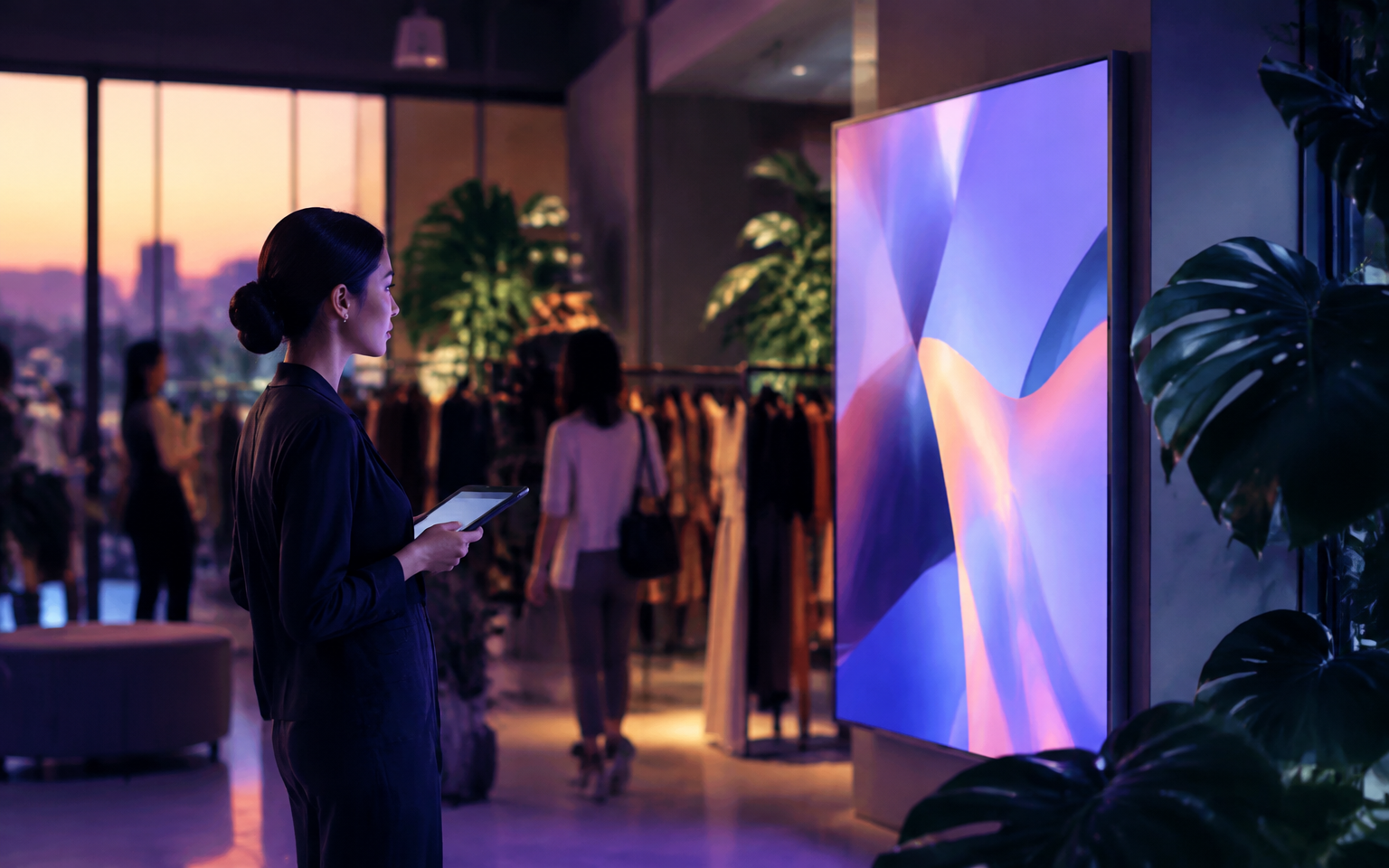
Retail · Wholesale · Convenience
Every screen drives sales, storefront to wholesale
A retail group running malls, convenience stores and wholesale still printed posters and price stickers for every promo — always late to the campaign.
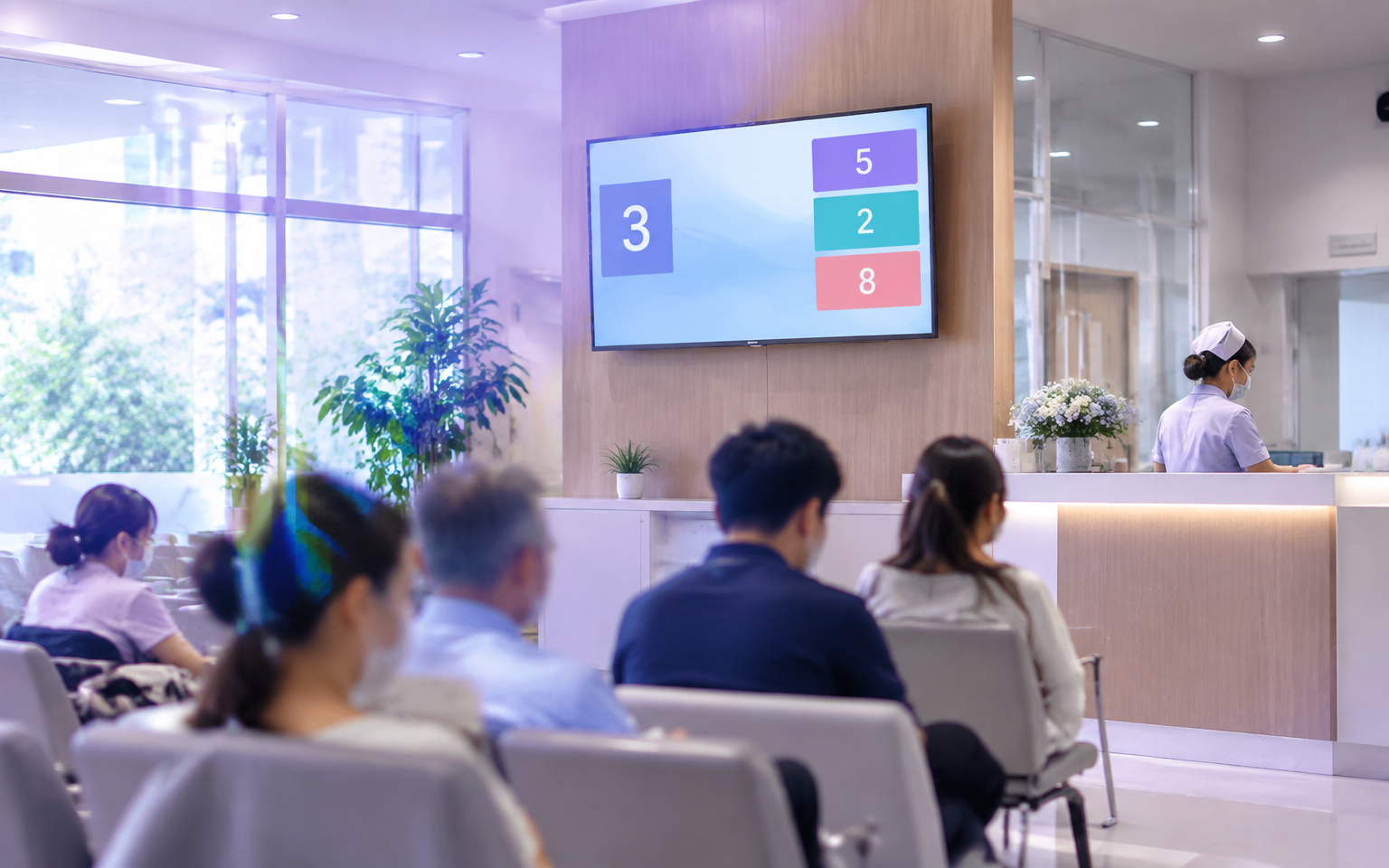
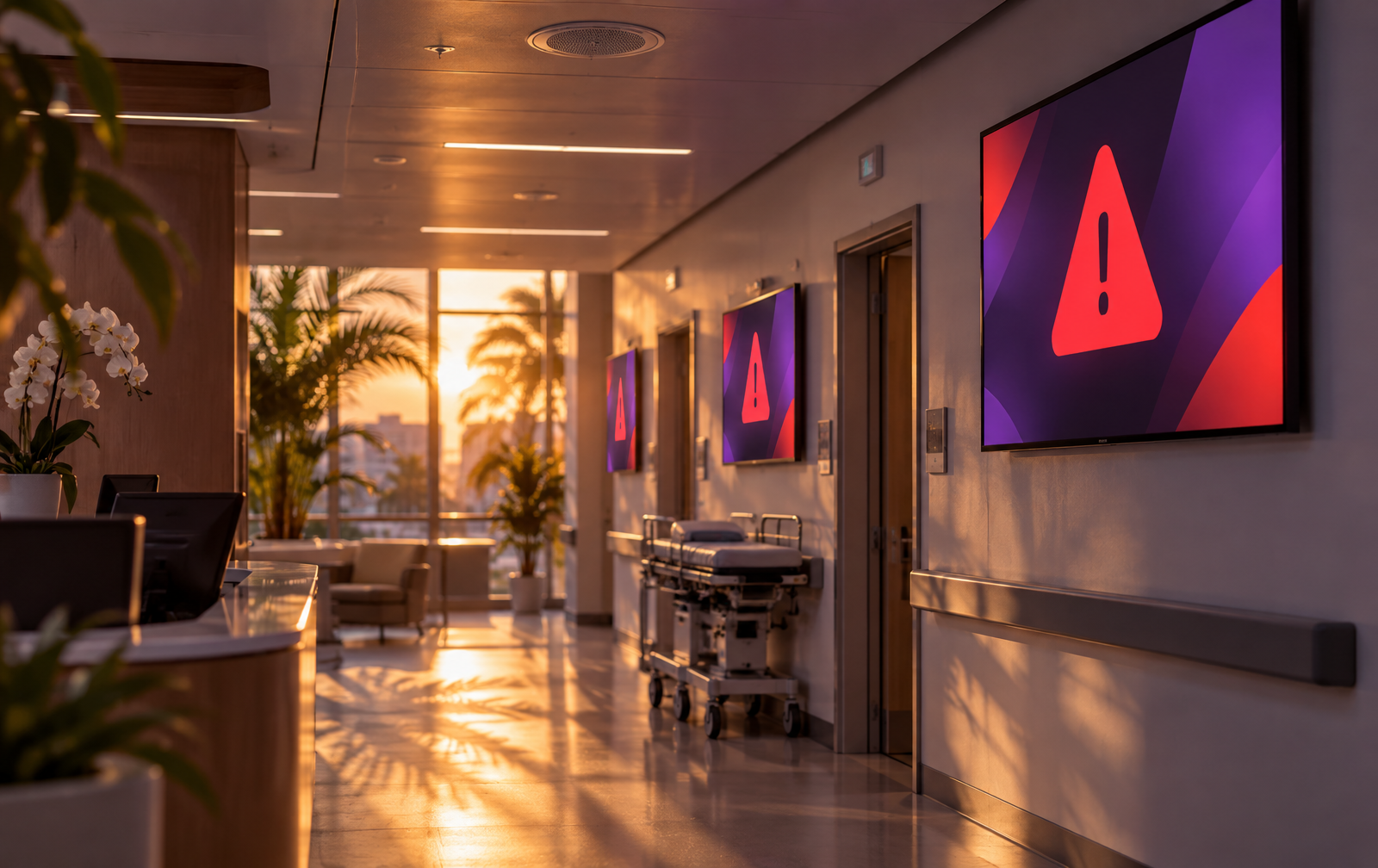
Hospitals & clinics
Patients know, without asking
A clinic where patients kept asking nurses whether it was their turn and where each room was.
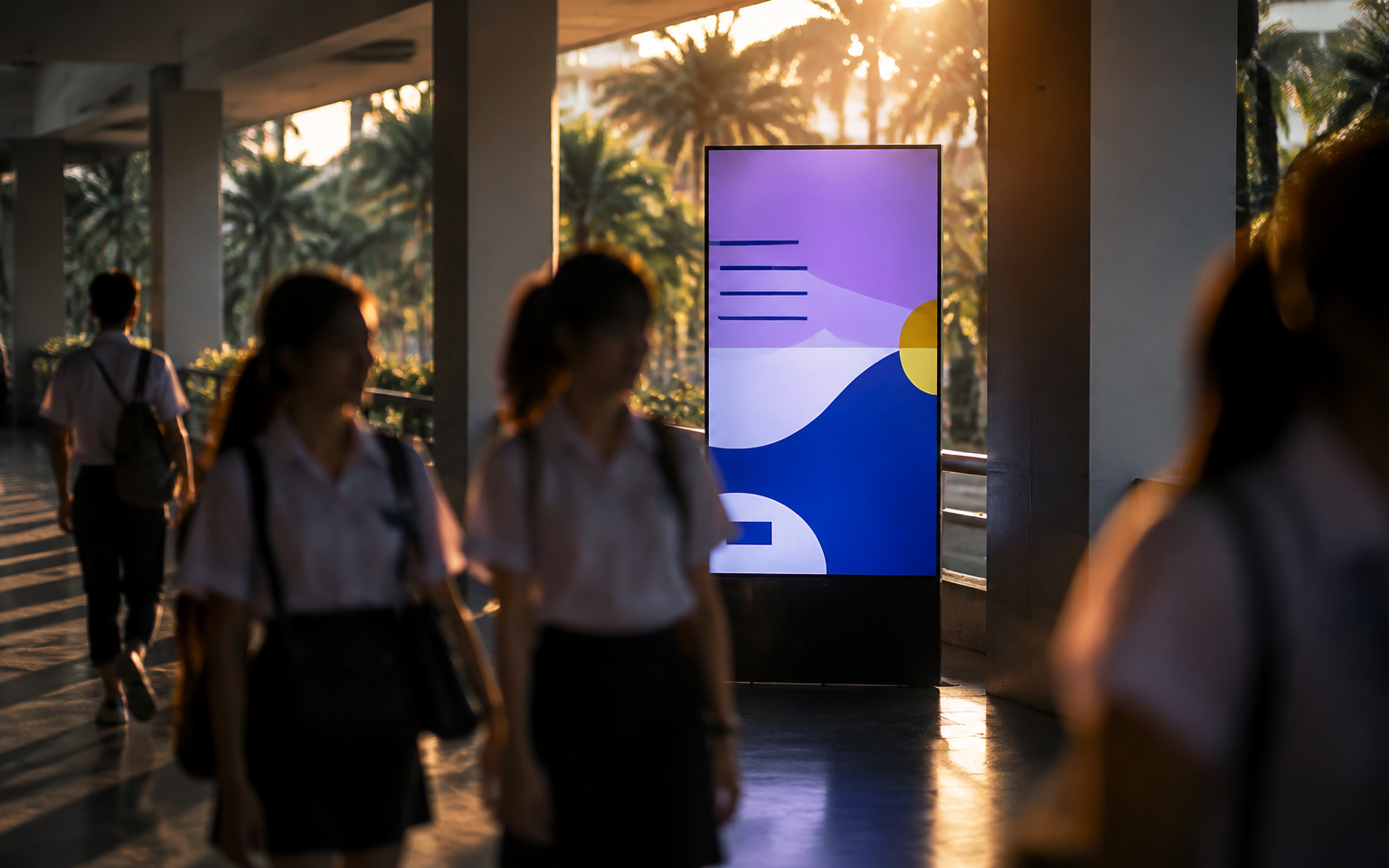
Schools & universities
Notices no one misses
A university relied on paper boards. Students walked past, but no one stopped to read.
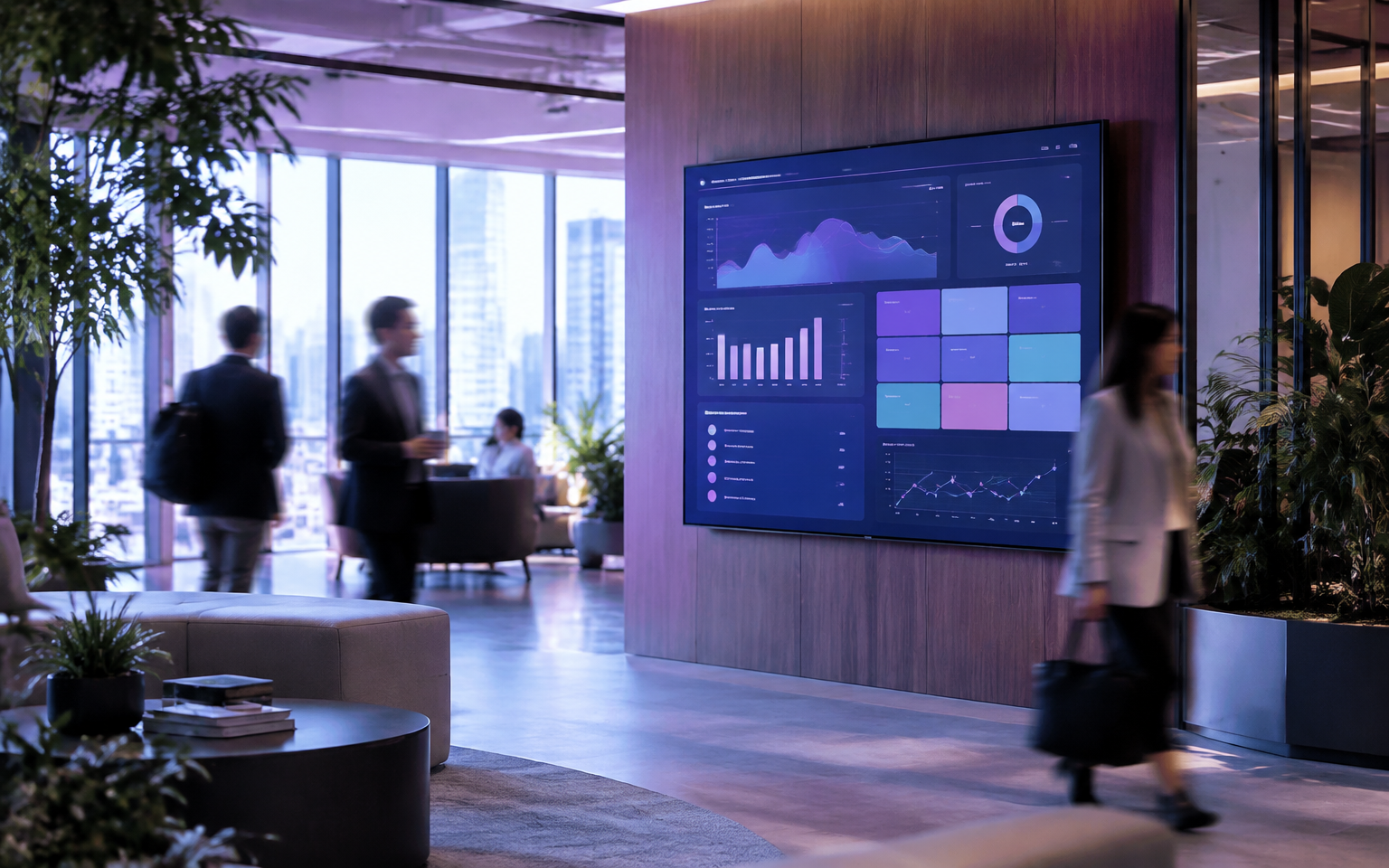
Offices & organizations
Everyone gets the same update
A multi-floor, multi-branch company sent announcement emails that most staff never opened.
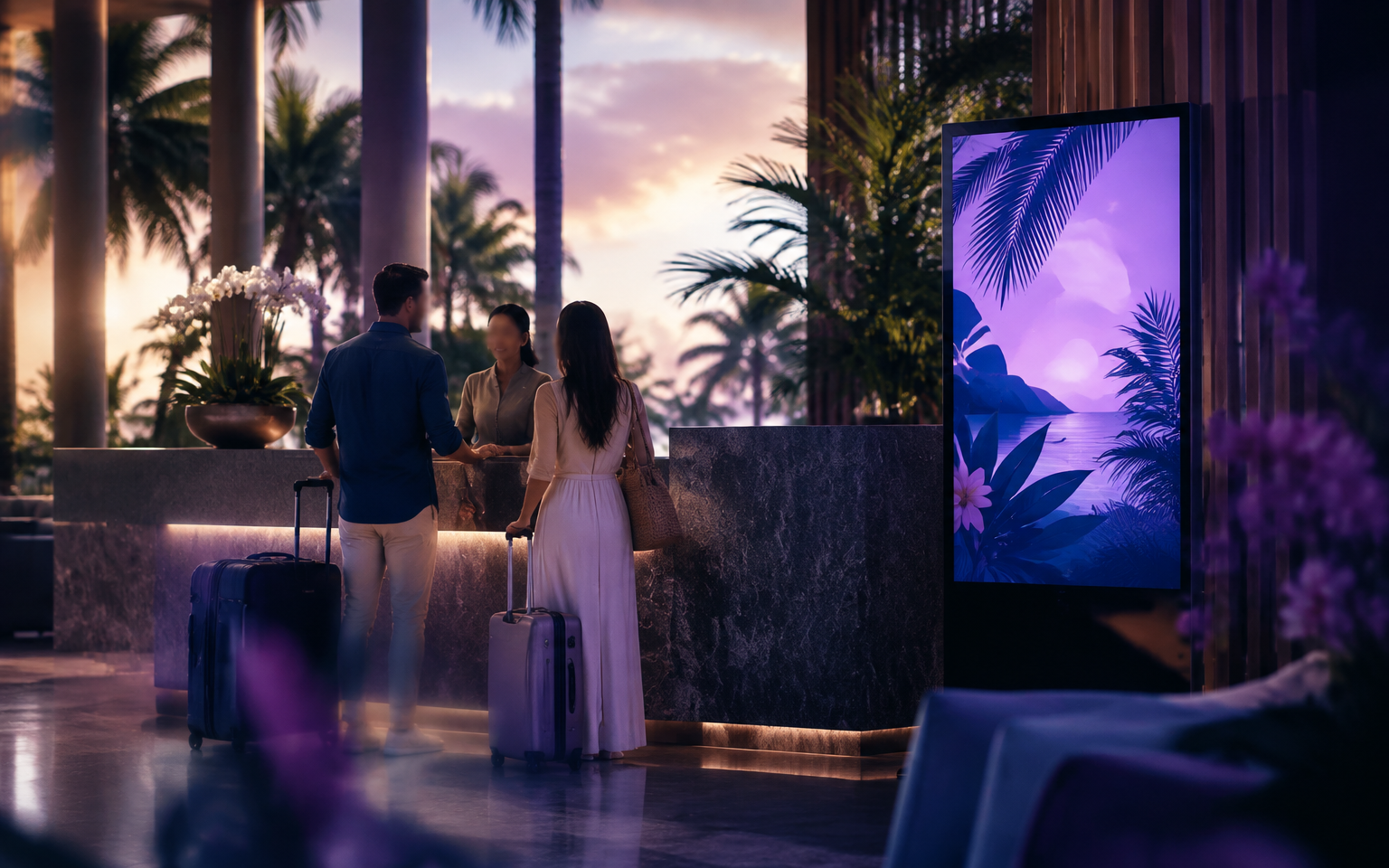
Hotels & lobbies
A welcome in every language
A beach resort hosting guests from many countries, where front desk staff explained breakfast times all day.
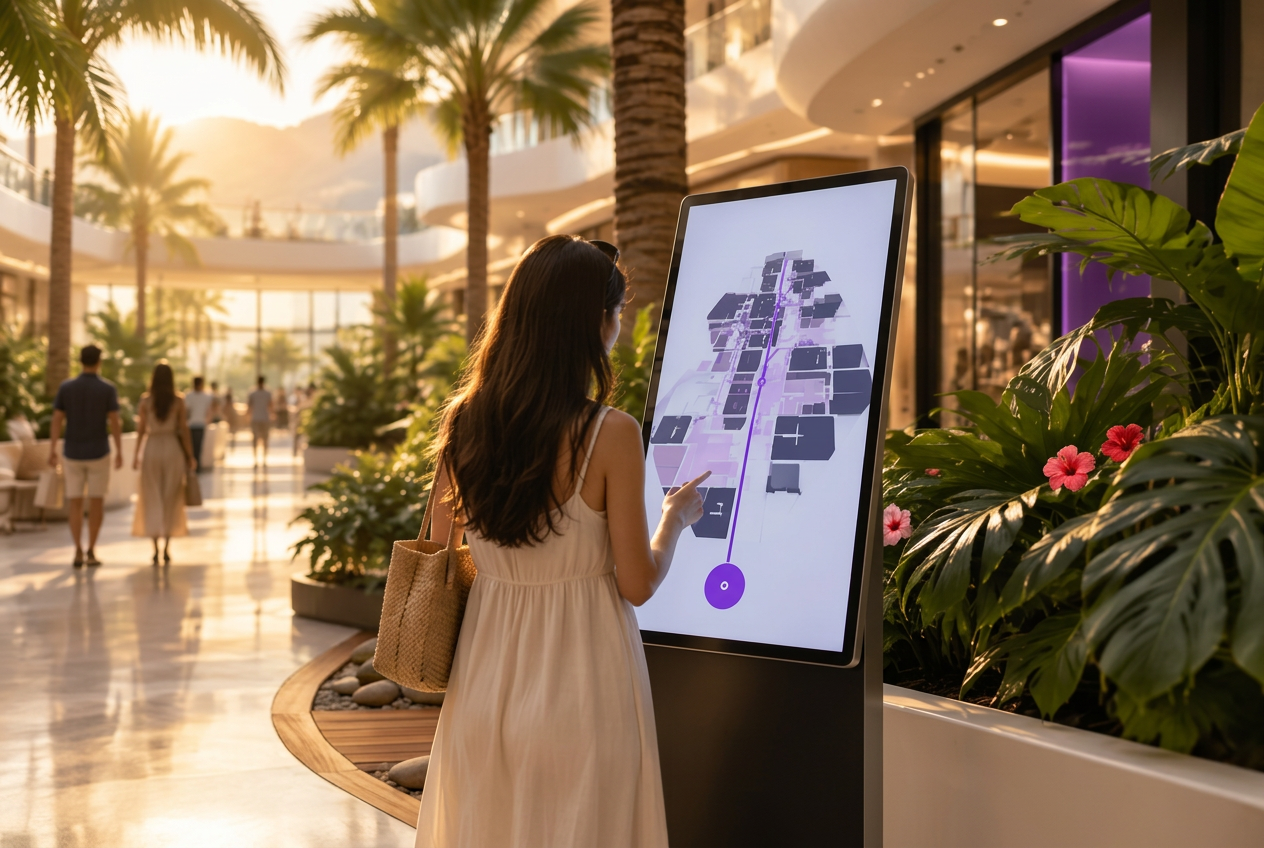
Malls & buildings
Touch-enabled wayfinding
A multi-floor mall where shoppers couldn't find stores, and printed signs had to be replaced every time a tenant moved.
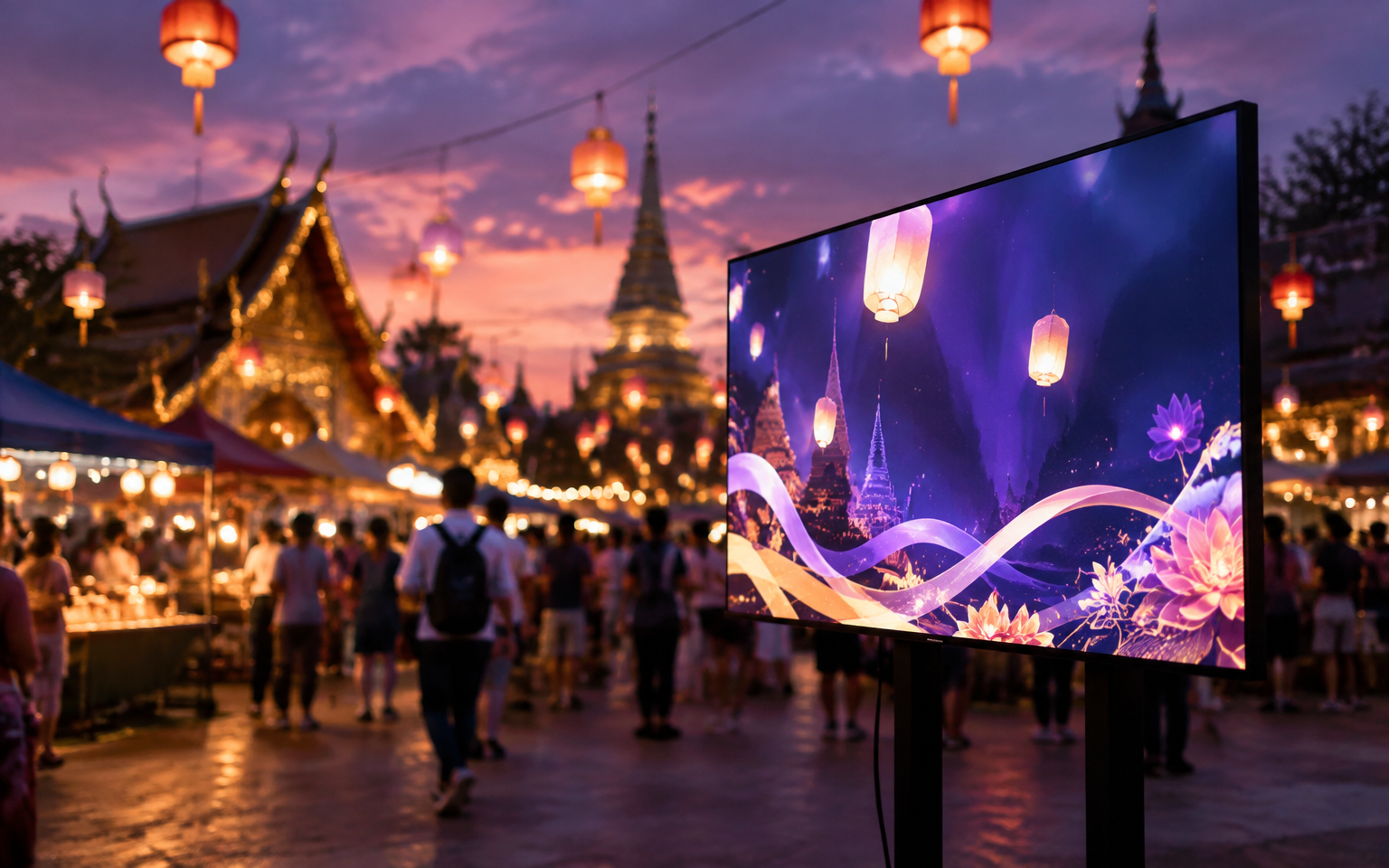
Temples, events & festivals
Ready for every occasion
An annual temple fair drawing thousands, where the schedule kept changing and vinyl banners couldn't keep up.
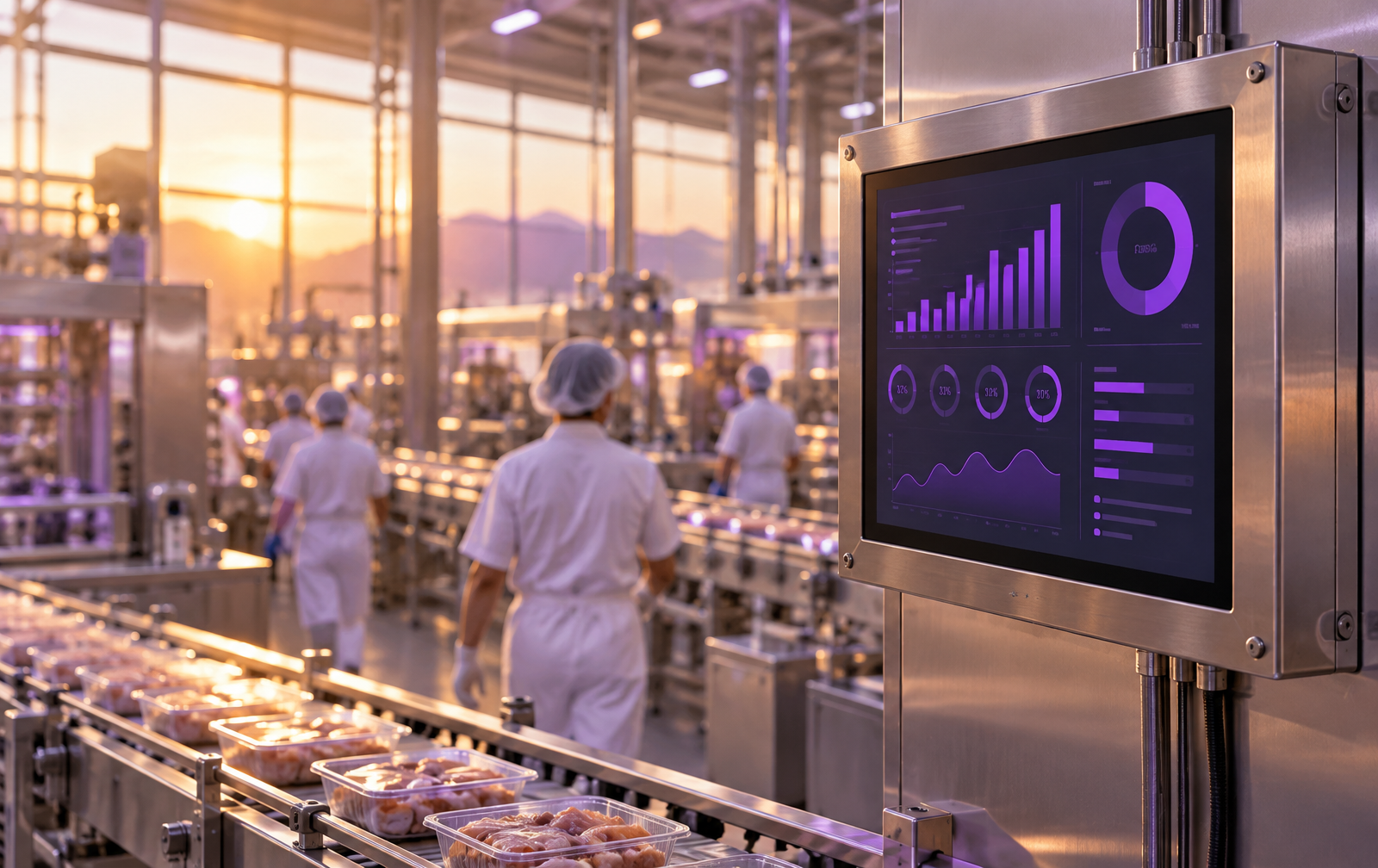
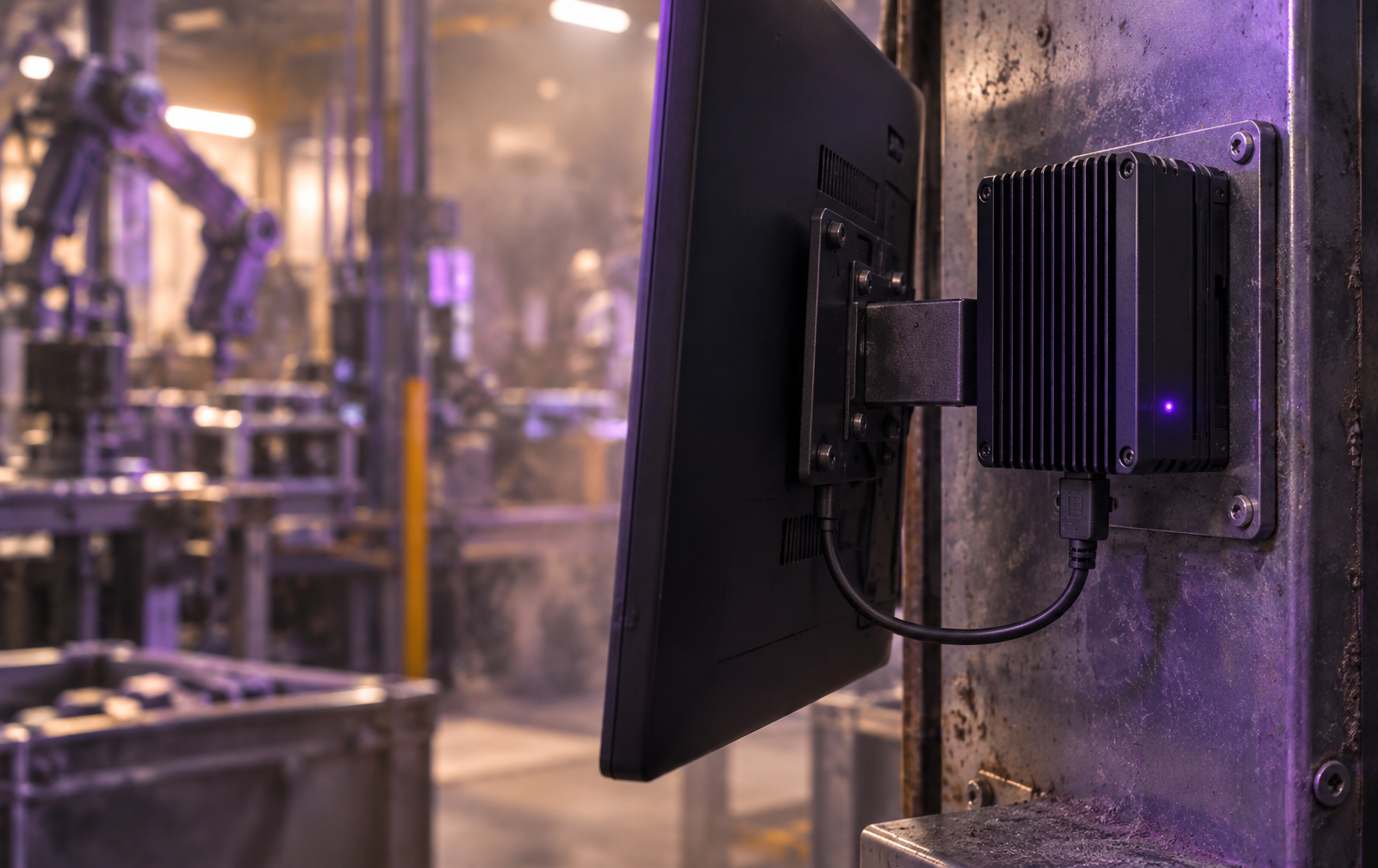
Factories & warehouses
Rugged screens, safety every shift
A three-shift plant kept safety info and targets on whiteboards — lost at every shift change.
Set it up yourself in 6 steps
Every screen updated at once, from one phone
- 1Create a playlist
- 2Drag in a clip from your library
- 3Add a QR code, ticker and RSS news
- 4Swap in your logo
- 5Drag content onto the screens you want
- 6Turn on the screen, enter the 6-digit code — it's live
- Change content yourself in minutes
- No more reprinting signs
- Use the TVs you already have
No credit card · works with the TVs you already have
Buy ENTGROUP hardware, get Aloha Pro free for 12 months — one screen licence per unitTry it now
Tap an emergency announcement and hear a sample
See the simulated screen switch to an urgent message with spoken audio — just like a real screen would.
Screen preview
Emergency — please evacuate
Use the stairs, not the lifts. Go to the assembly point in the front car park.
Choose an event and press play to hear the announcement
06
Voice + emergency announcements
Pick a venue and an event, then press play — every screen switches to the message with a spoken announcement.
Choose a venue
- All / group / one screen
- 3 alert display styles
- Warning beep first
- Thai, English, Chinese voices
- Music ducks automatically
- End after 15/30/60 min or today
- Stop anytime from admin
- Every action is logged
An ENTGROUP exclusive
Buy ENTGROUP hardware · Get Aloha Pro free for 12 months
One redemption per account · each serial used once · renew on a standard plan after 12 months