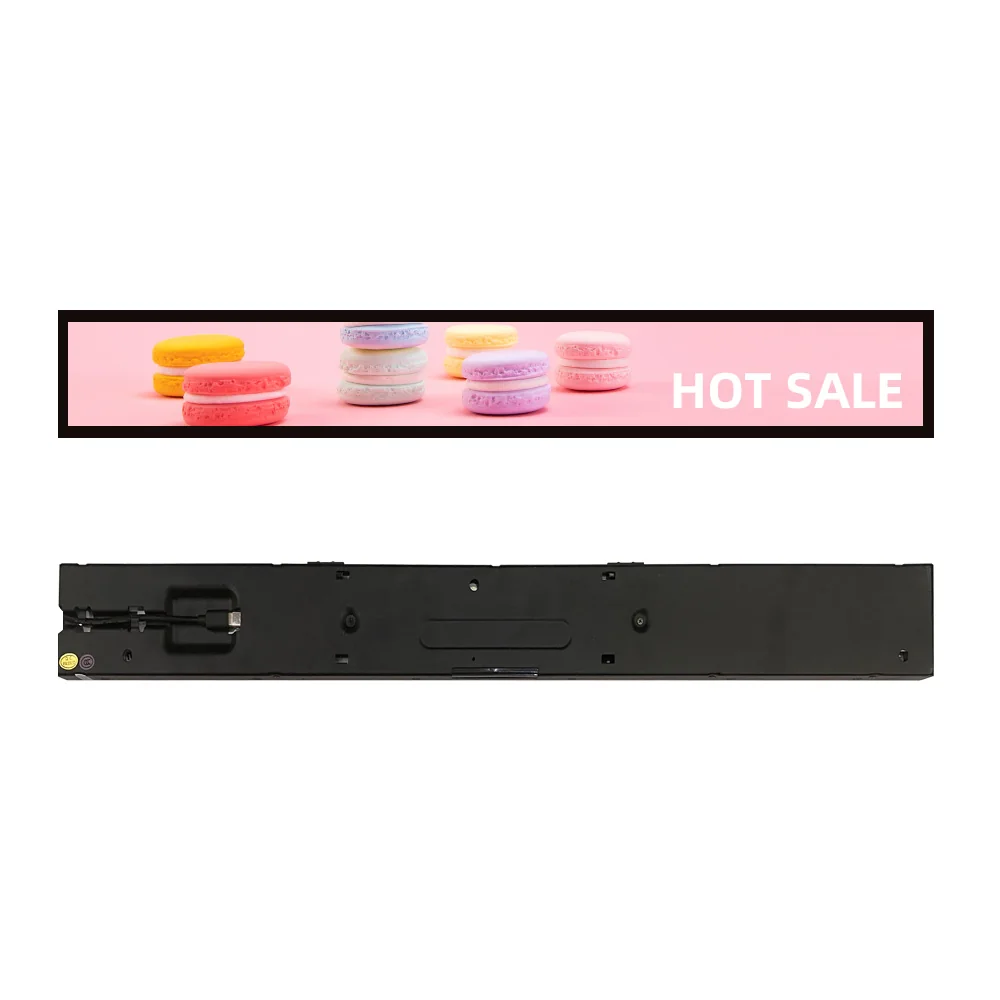
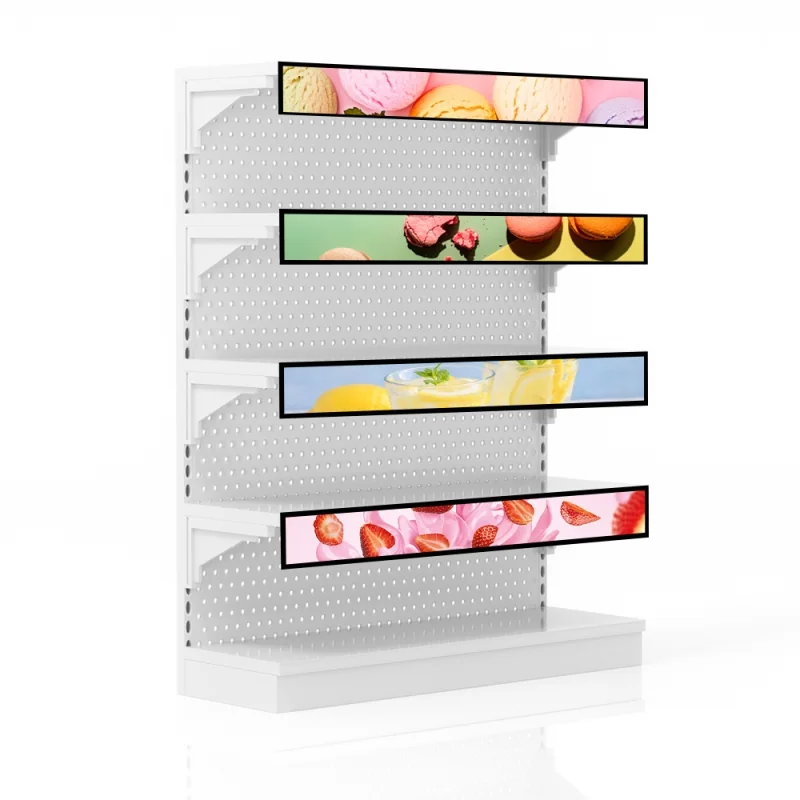
 Free Aloha for 12 months
EG-SB02
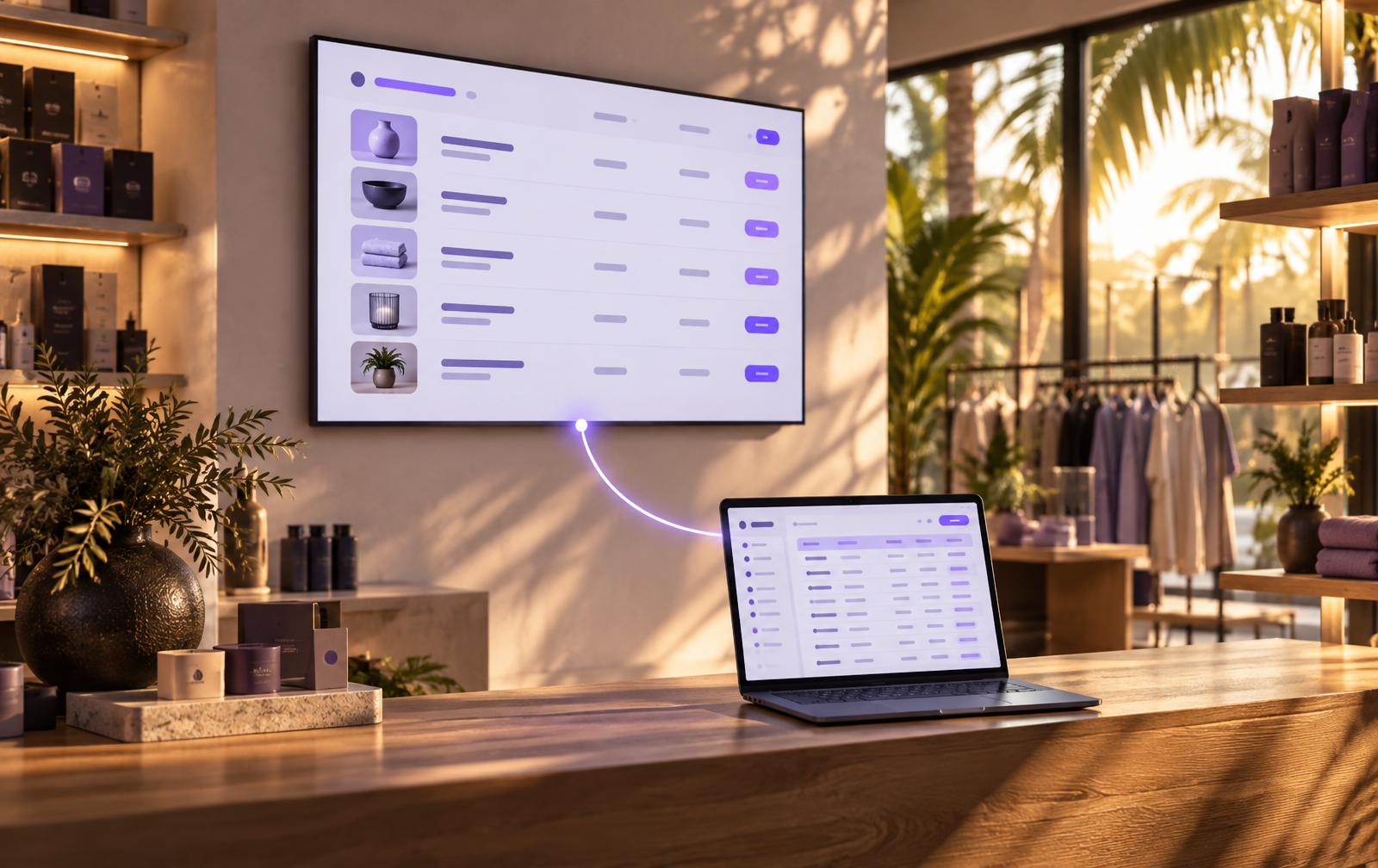
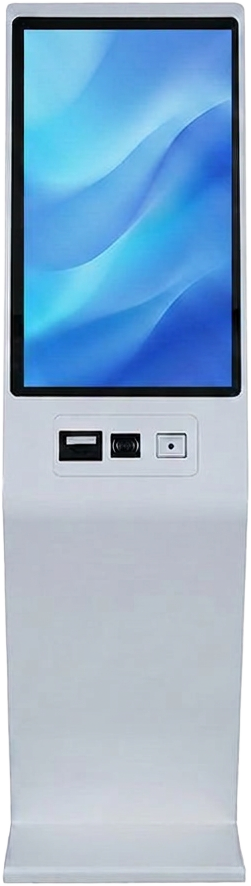
Retail shelf-edge screen
Sizes: 19.5 · 24.3 · 28.6 · 34.5 · 35 · 37.6 · 43.8 · 50 · 58.4 · 64 · 70"
From ฿13,900
estimate
Plug in, enter code, go live
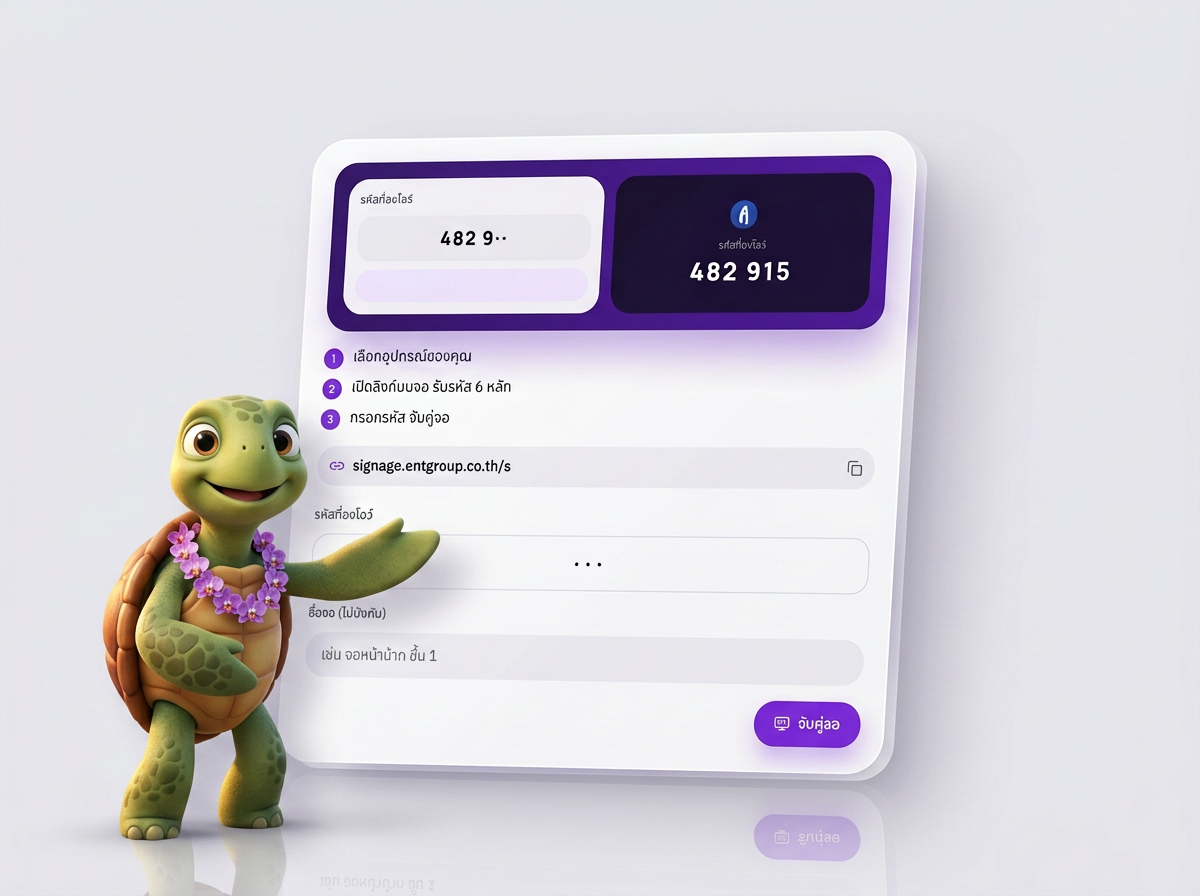
Pair any screen with a 6-digit code — no technician needed
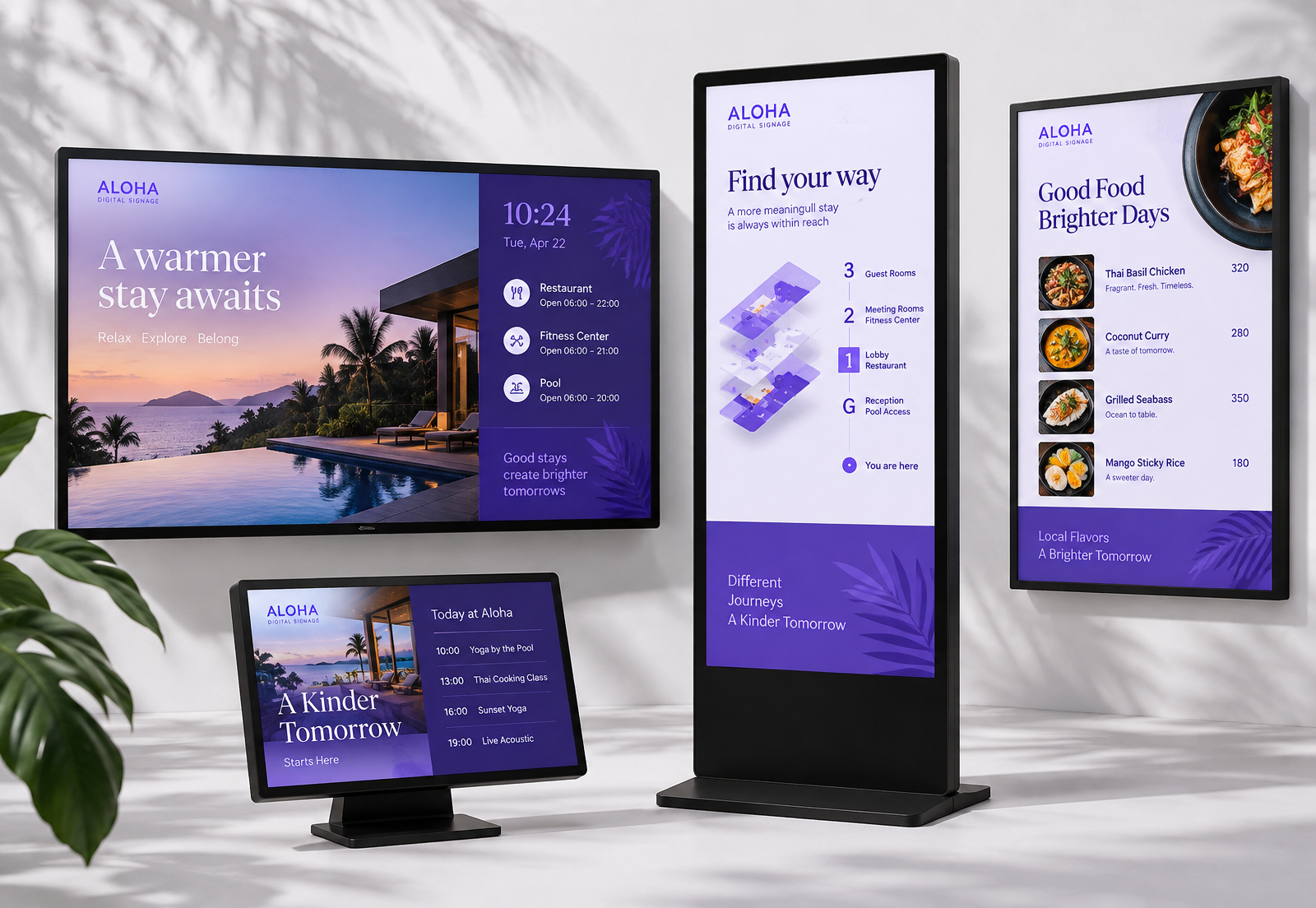
Digital signage is a TV or touch screen showing menus, promotions or notices, with content changed remotely instead of printed signs. Aloha Digital Signage by ENTGROUP is cloud digital signage software for managing content on TVs and touch screens from a browser or phone.
| What it's for | Menus, promotions, notices, data boards and wayfinding |
|---|---|
| What you need | A TV or touch screen, internet, and a Smart TV browser or an Android box / Windows mini PC |
| Starting price | THB 199 per screen per month (excl. VAT) |
| When you can start | Right away — 14-day free trial, up to 3 screens, no card |
ENTGROUP · ALOHA READY
Screens and kiosks ready for Aloha — buy today and get Aloha Pro free for 12 months.
Free Aloha for 12 monthsSizes: 19.5 · 24.3 · 28.6 · 34.5 · 35 · 37.6 · 43.8 · 50 · 58.4 · 64 · 70"
From ฿13,900
estimate
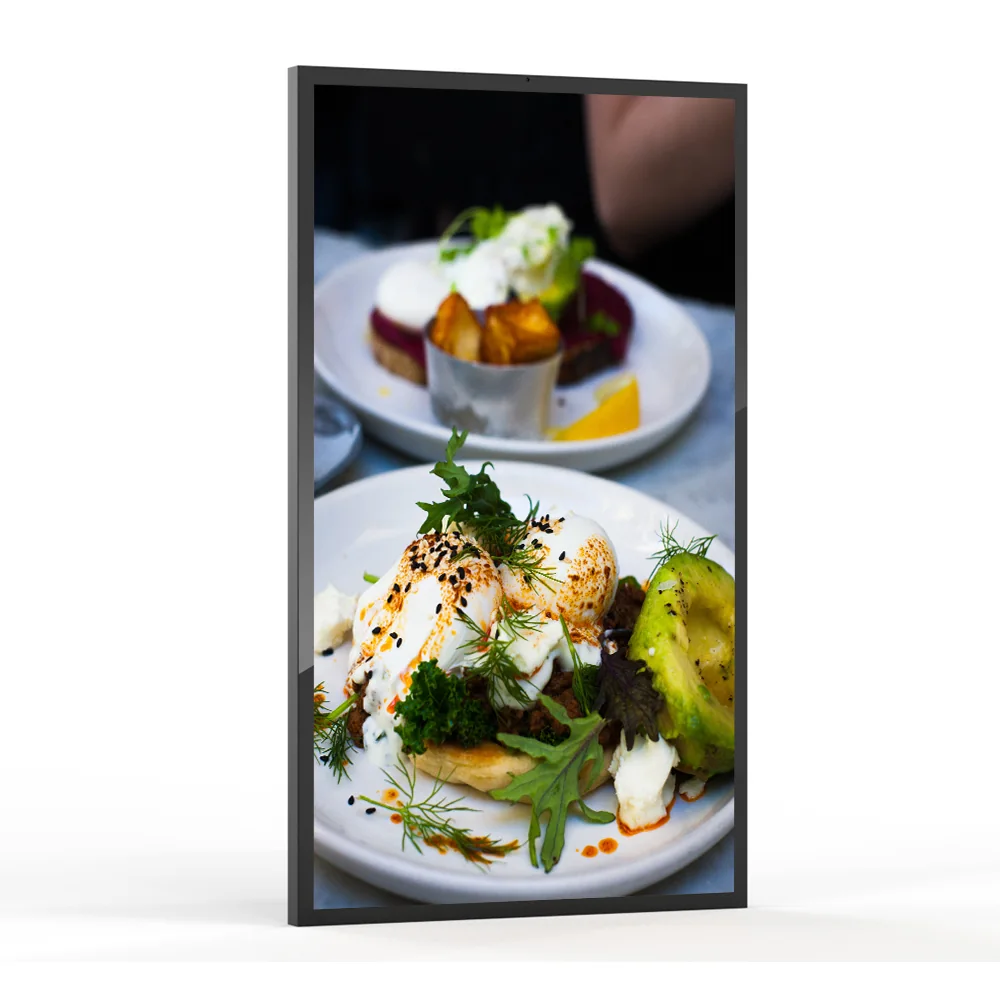
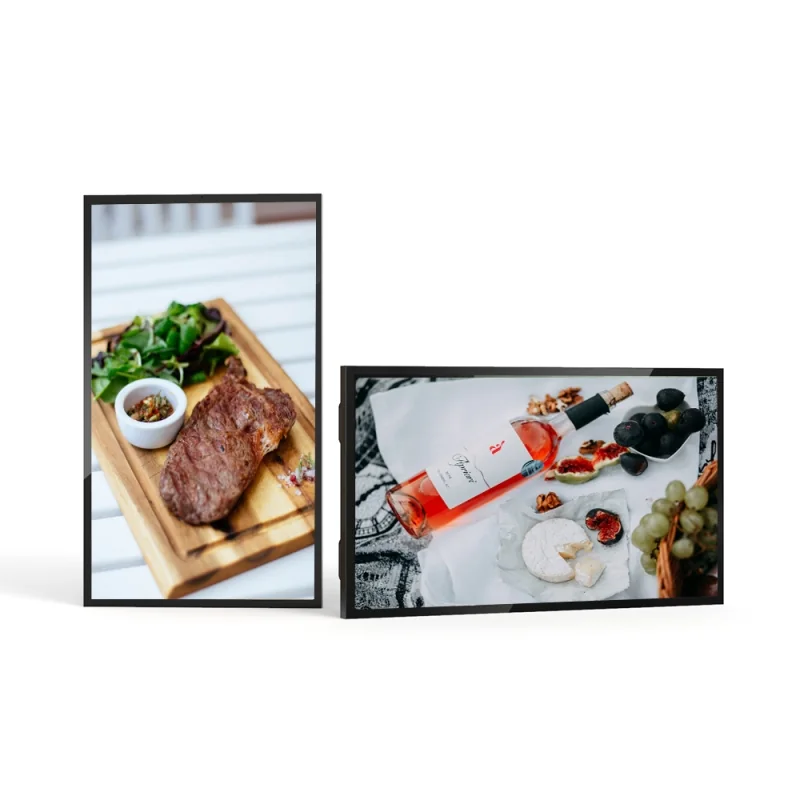 Free Aloha for 12 months
Sizes: 32 · 43 · 49 · 55 · 65 · 75"
From ฿89,900
estimate
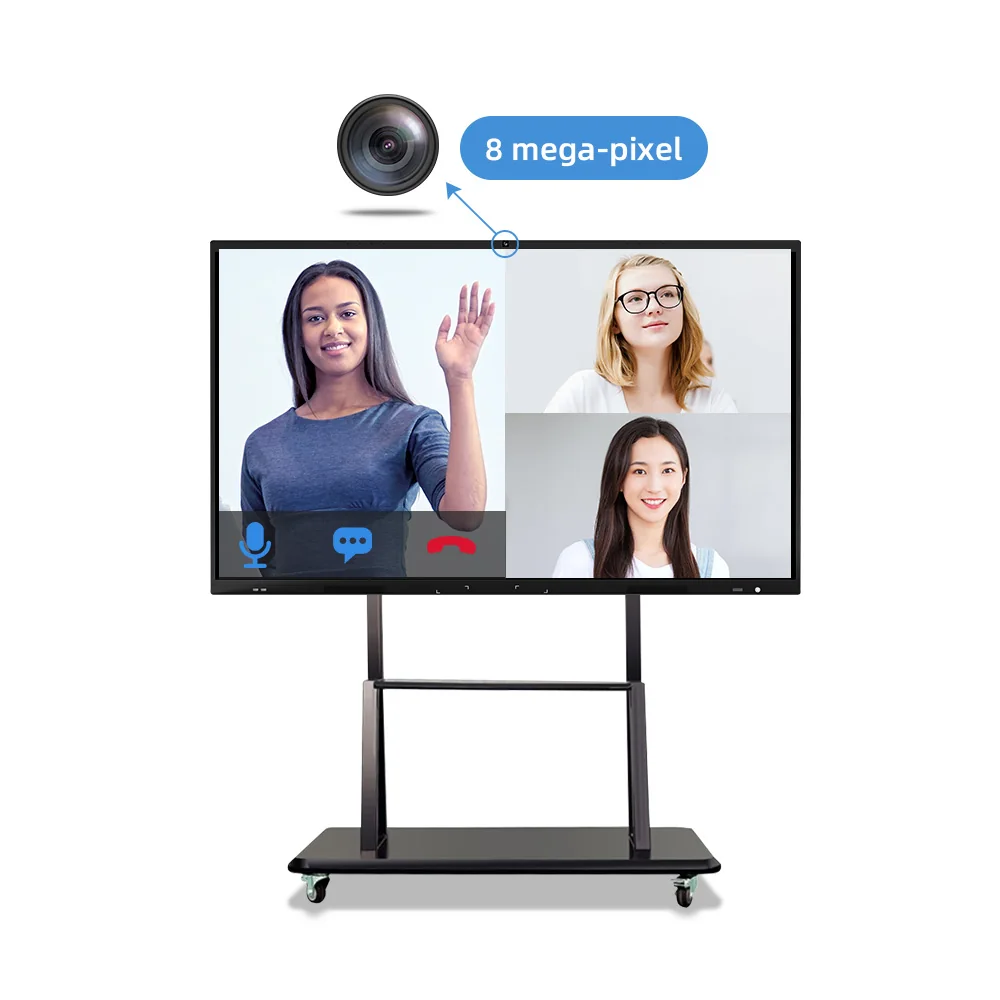
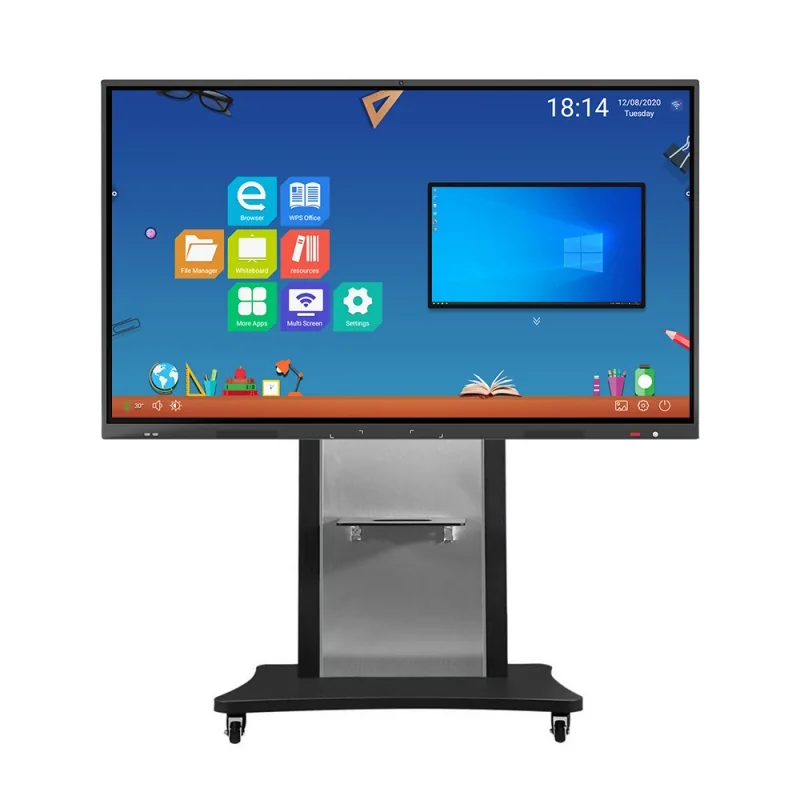 Free Aloha for 12 months
Sizes: 55 · 65 · 75 · 85 · 86 · 98"
From ฿39,900
estimate
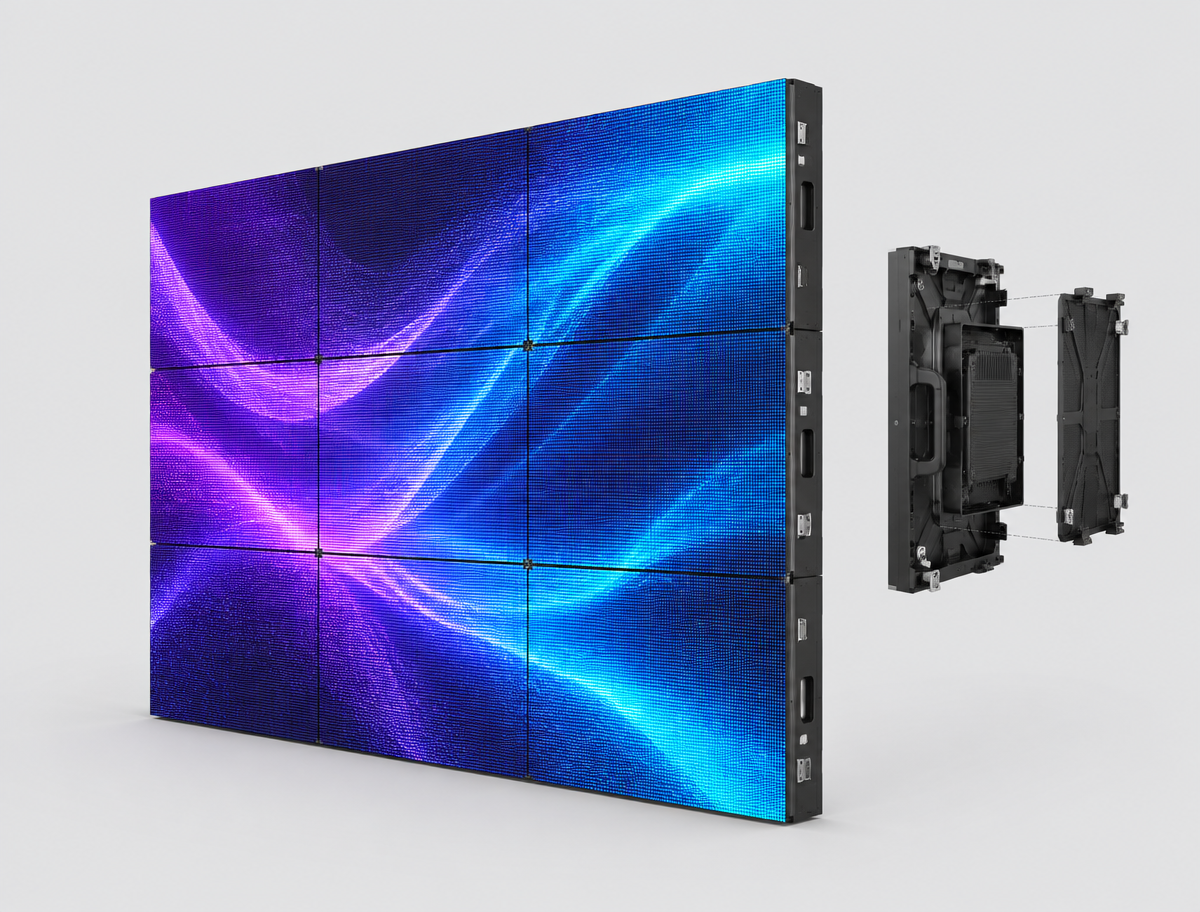 Free Aloha for 12 months
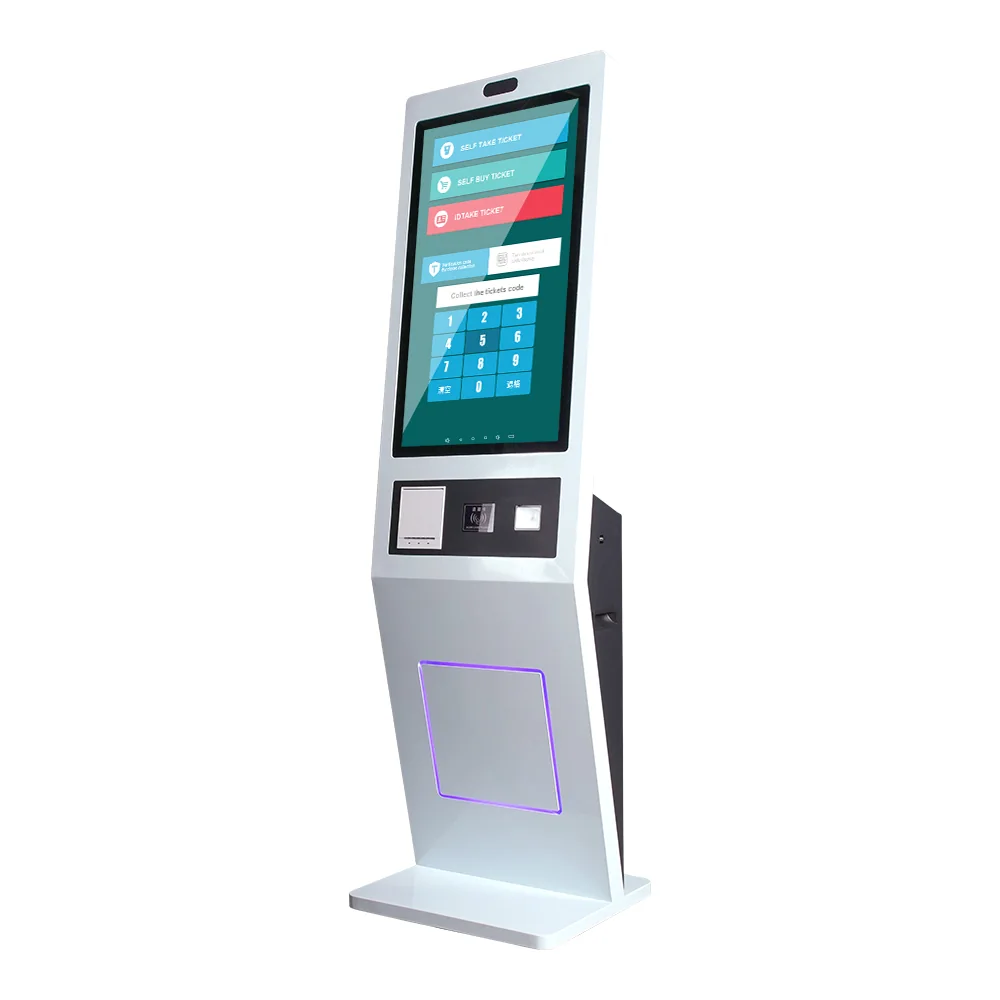
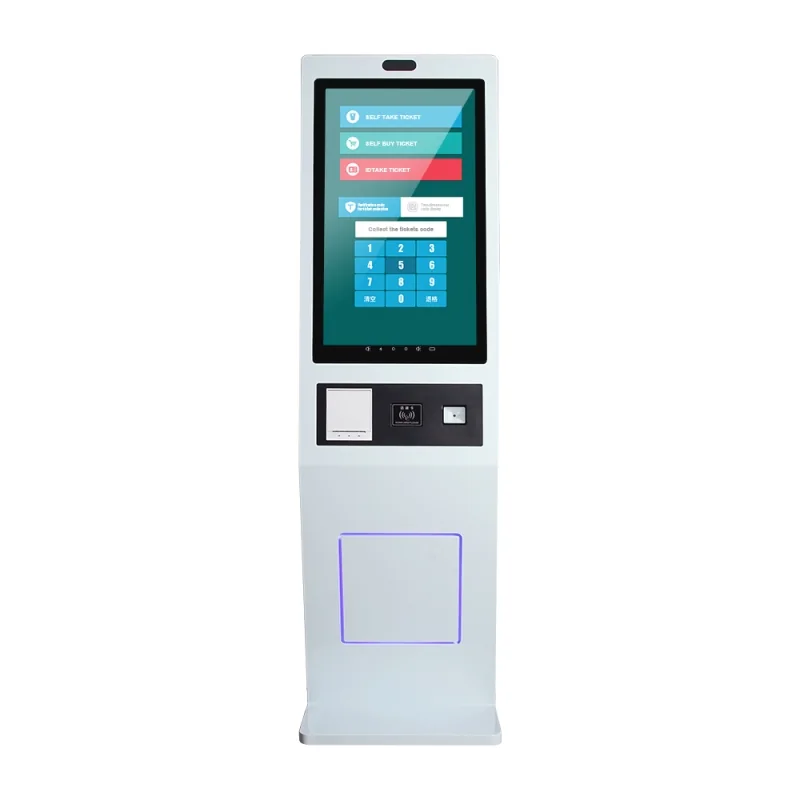 Free Aloha for 12 months
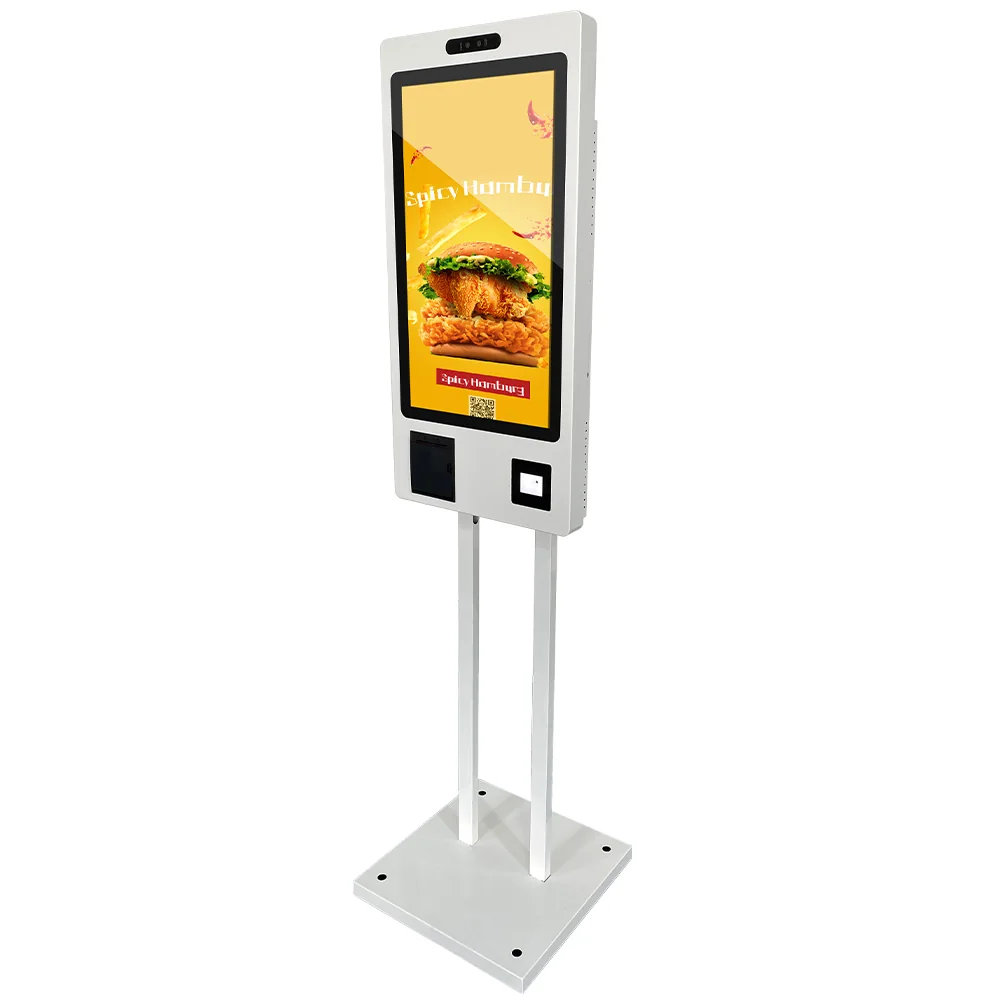
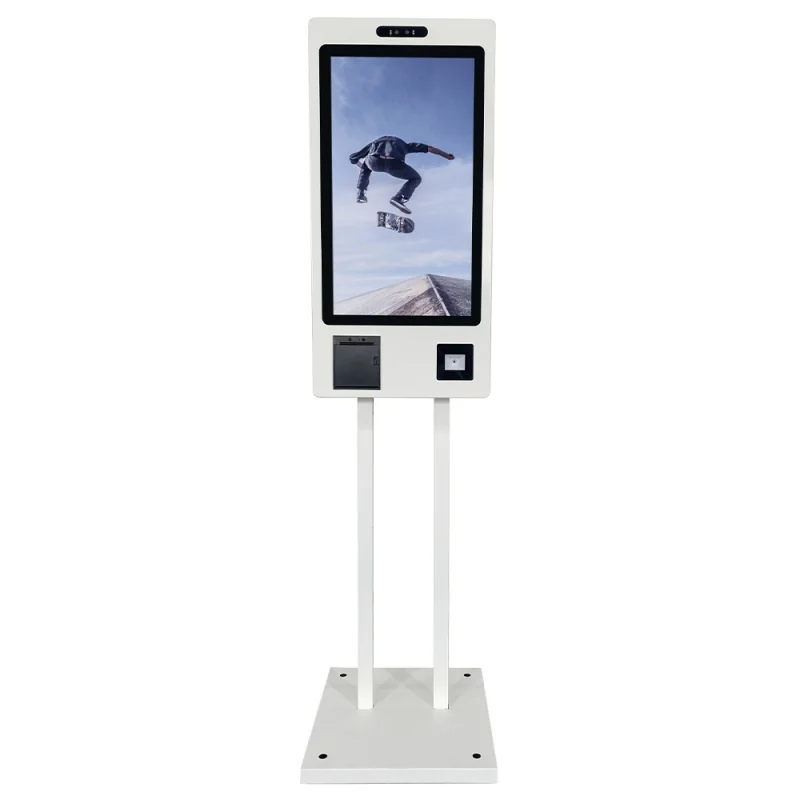 Free Aloha for 12 months
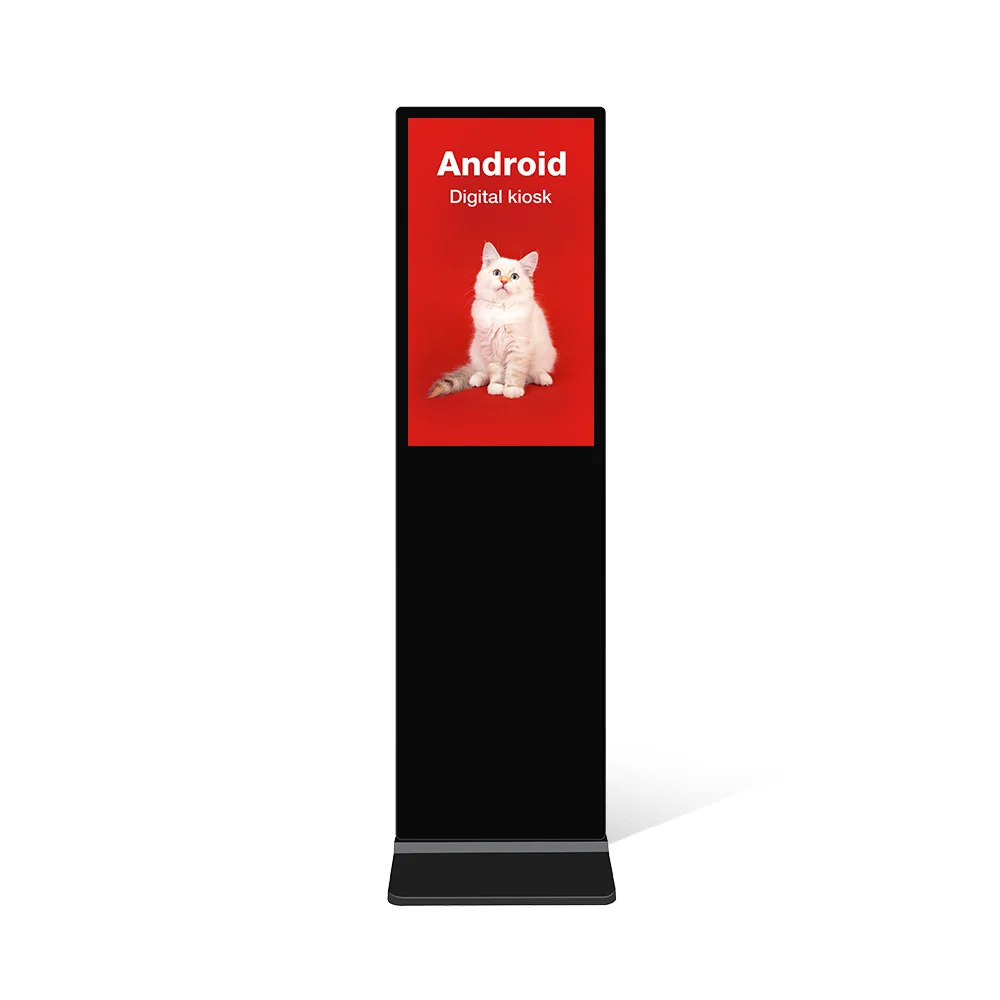
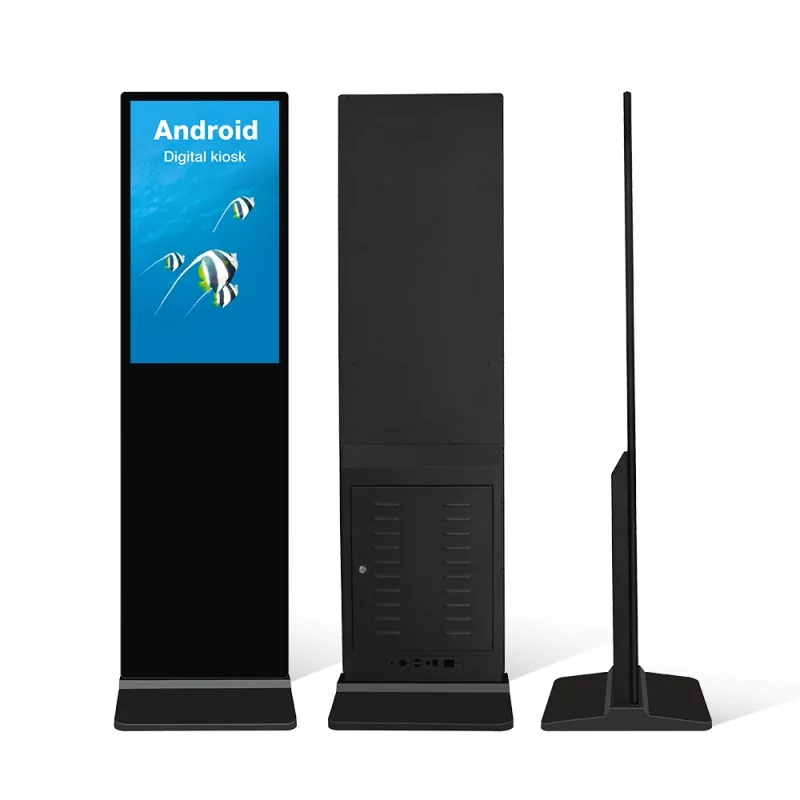 Free Aloha for 12 months
Sizes: 32 · 43 · 49 · 55 · 65 · 75"
Request a quote
estimate
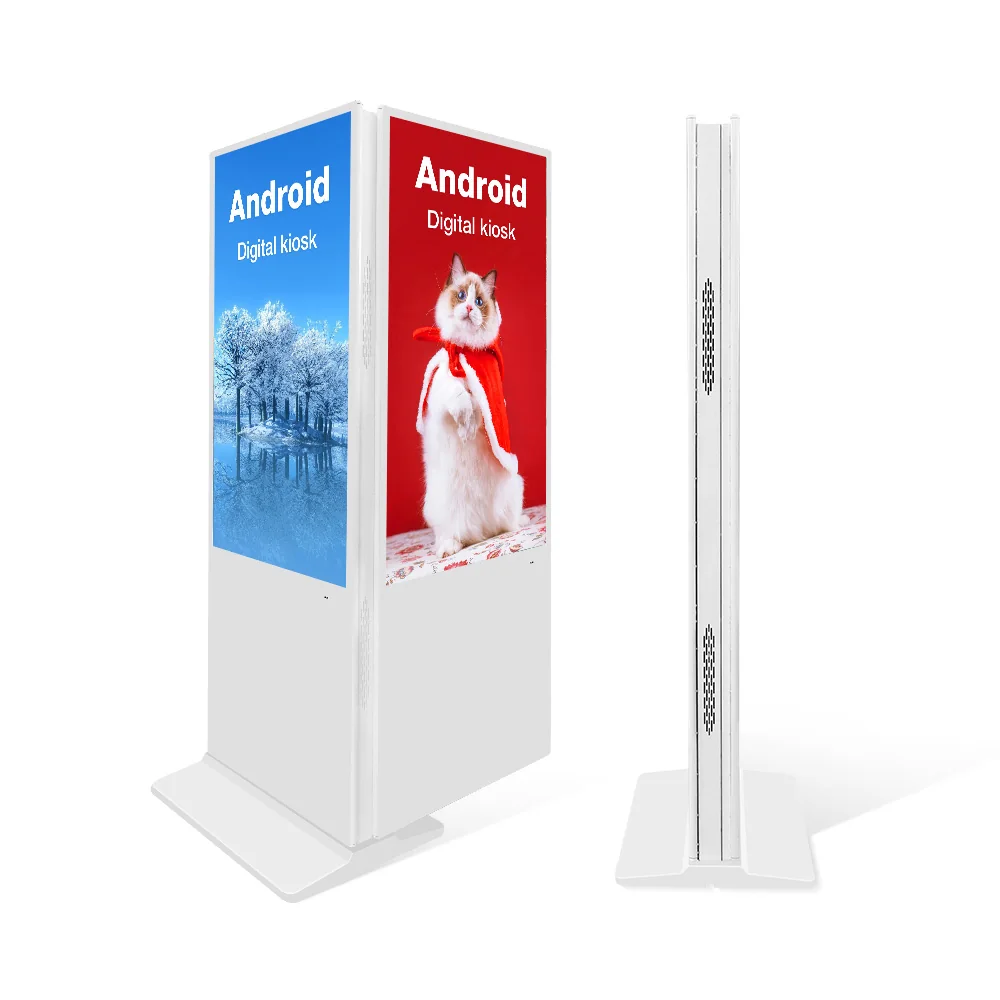
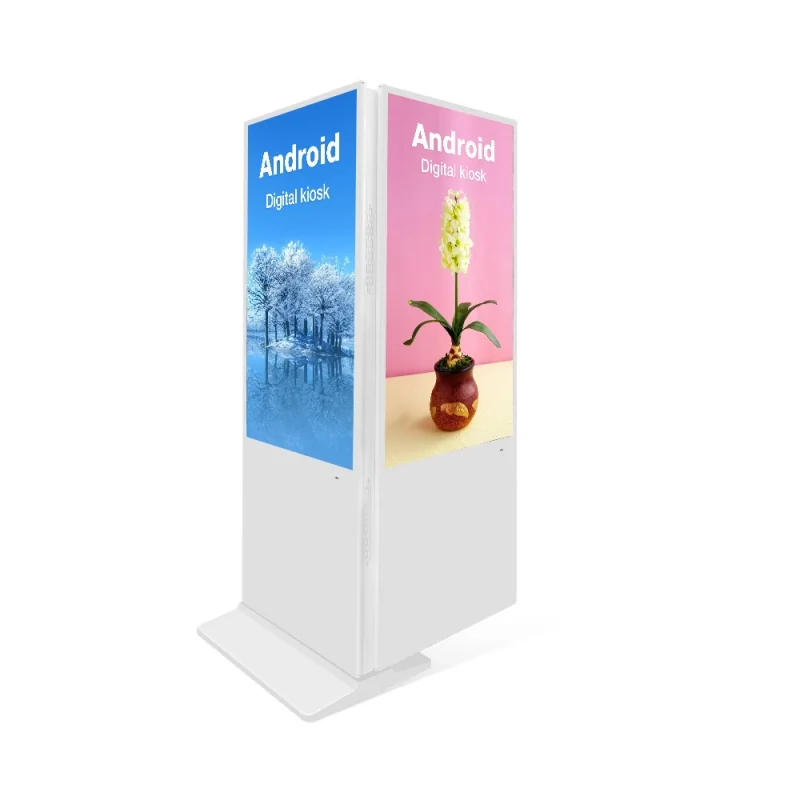 Free Aloha for 12 months
Sizes: 32 · 43 · 49 · 55 · 65 · 75"
Request a quote
estimate
Browse all 91+ products
Filter by business, features and installation type in the hardware shop.
Browse the full shopENTGROUP · 3D SHOWCASE
Illustrative model for form and component placement · confirm actual specifications and options with sales
Set it up yourself in 6 steps
No credit card · works with the TVs you already have
Buy ENTGROUP hardware, get Aloha Pro free for 12 months — one screen licence per unit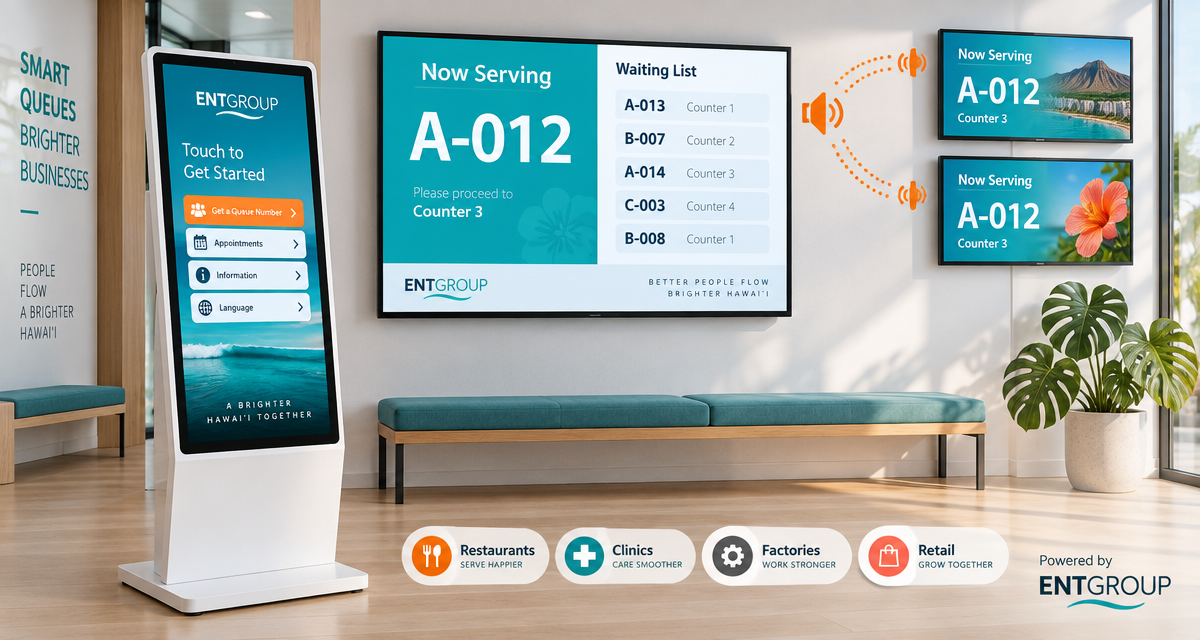
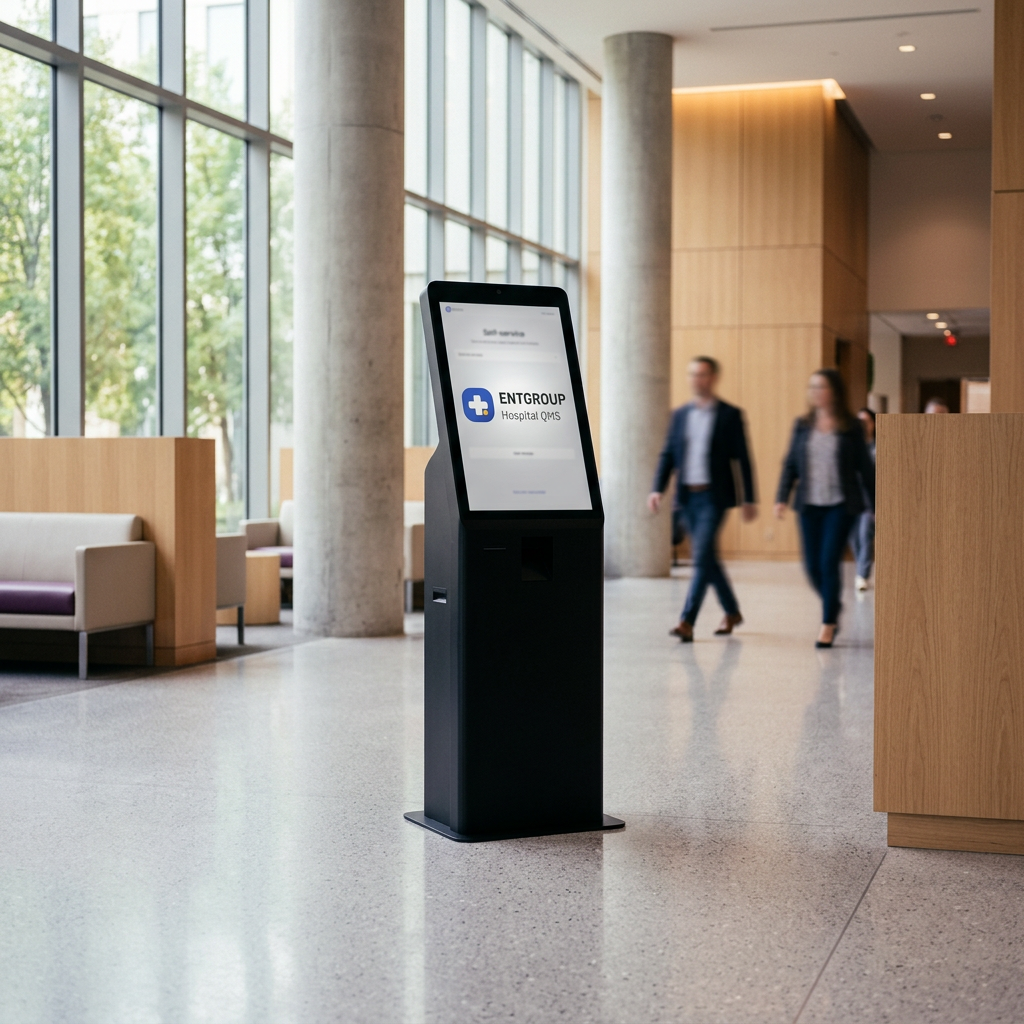
Kiosk × Queue System
Tap a ticket at the kiosk — every screen calls the queue for you
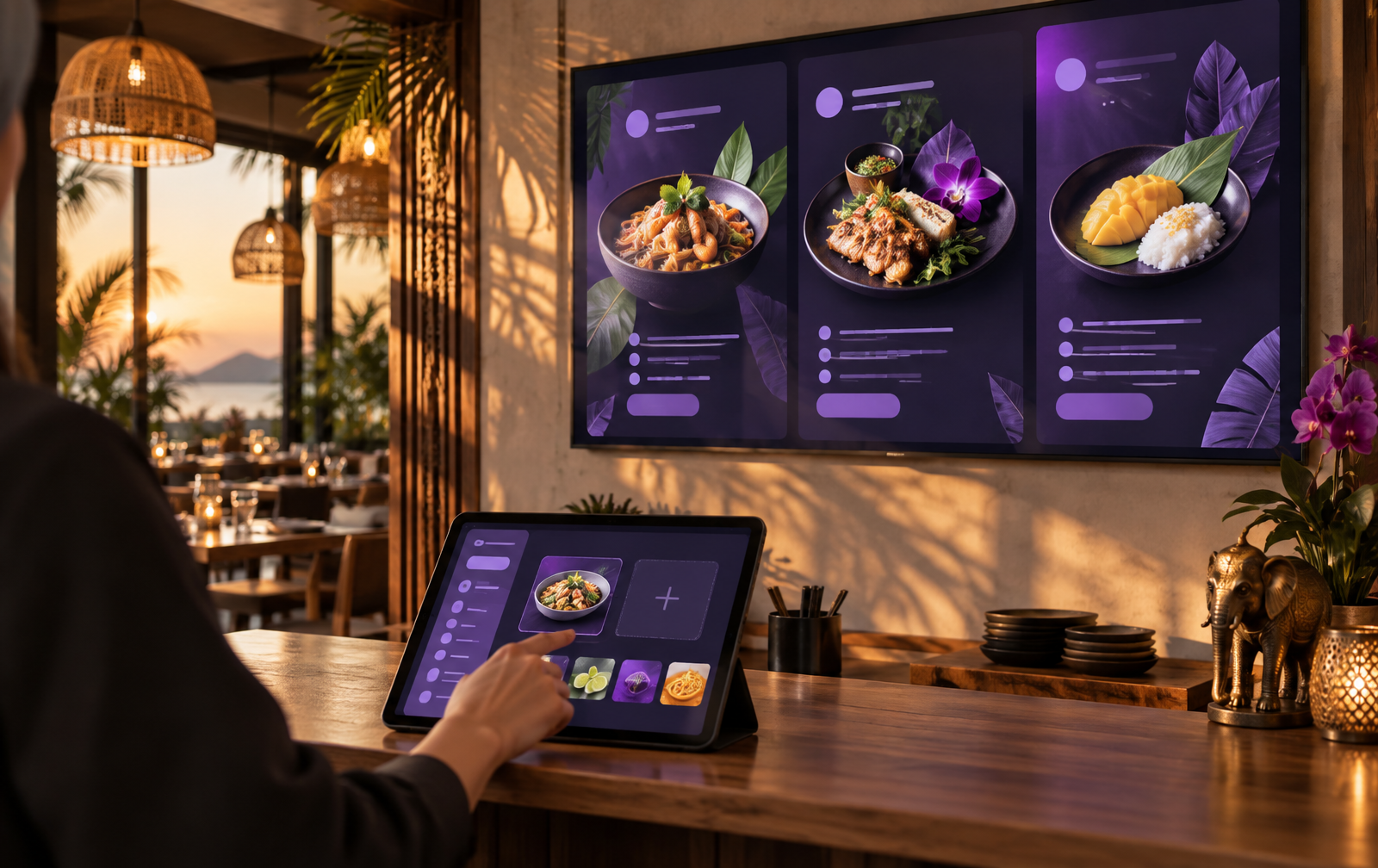
Drag and drop, use templates or create AI images
Buy ENTGROUP hardware, get Aloha Pro free for 12 months
Offline playback, 2FA and separate venue databases
 Meet Aloha in 42 seconds
See what Aloha is, how to connect a screen, its key features and pricing
No IT team required
Your existing TV, an ENTGROUP box, or a kiosk
The screen shows a large code instantly
Name it, choose content, and publish
ENTGROUP box / mini PC
Plug HDMI + internet, power on
Smart TV / Android TV
Samsung · LG · Sony · Xiaomi · Google TV
Computer / kiosk
Windows · Mac · Chromebook via Chrome
Try on this device first
Open a demo screen in a new tab
Ready for every venue
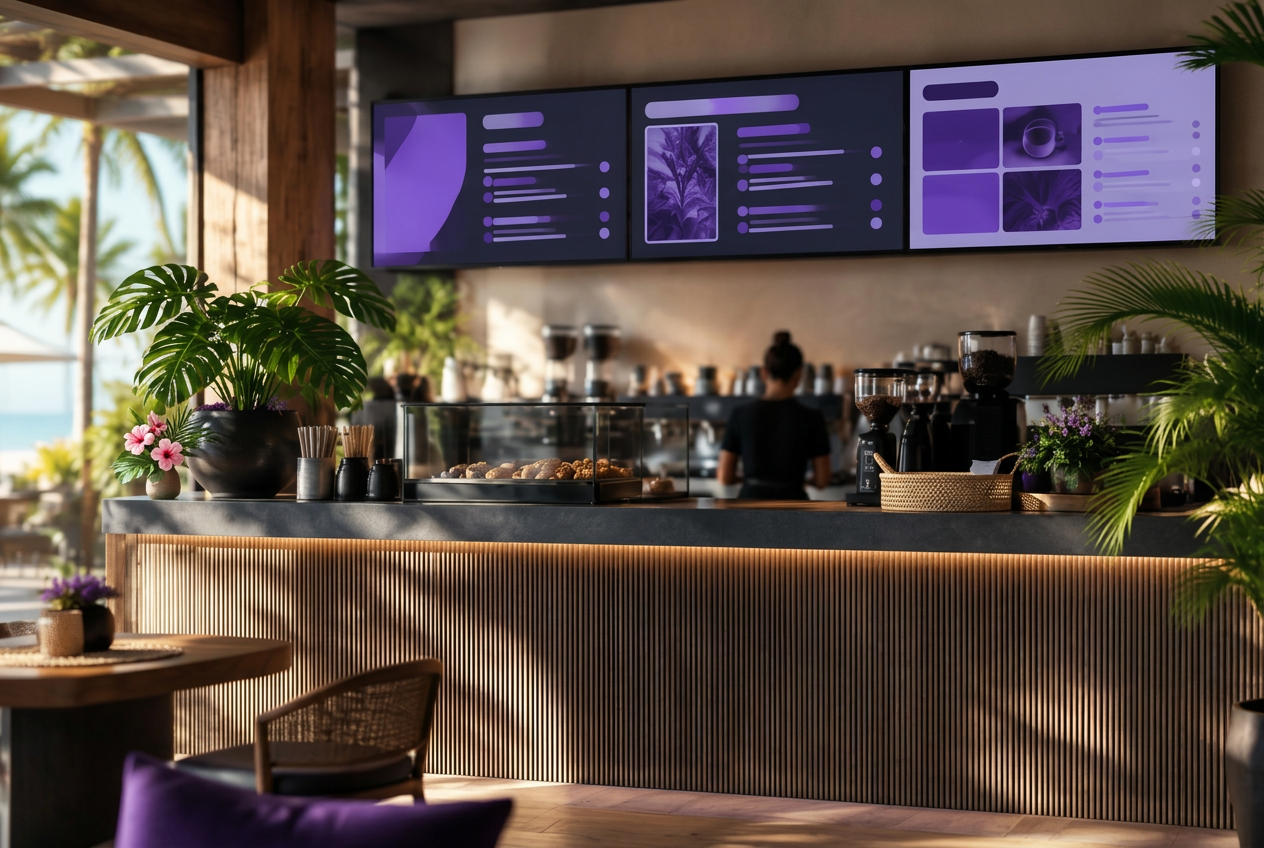 Restaurants & cafés
Ready-to-use templates
A story that happens every day
From one Bangkok shop to branches across the country, the owner no longer calls each store — change the menu, adjust prices, or launch a promo and every screen updates together from one phone.
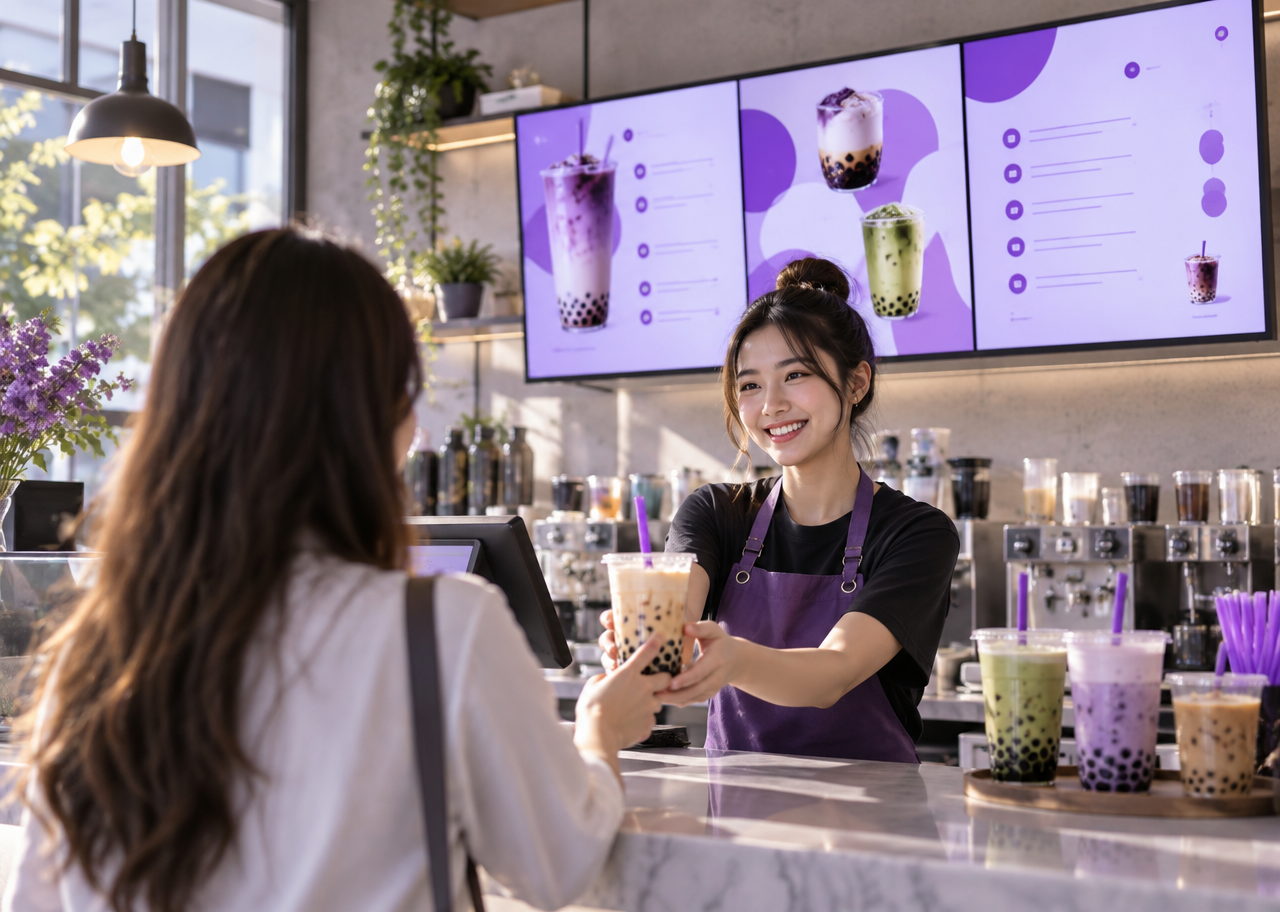
New branch, screens ready to sell
Plug in the box, enter the 6-digit code, and the branch menu appears instantly
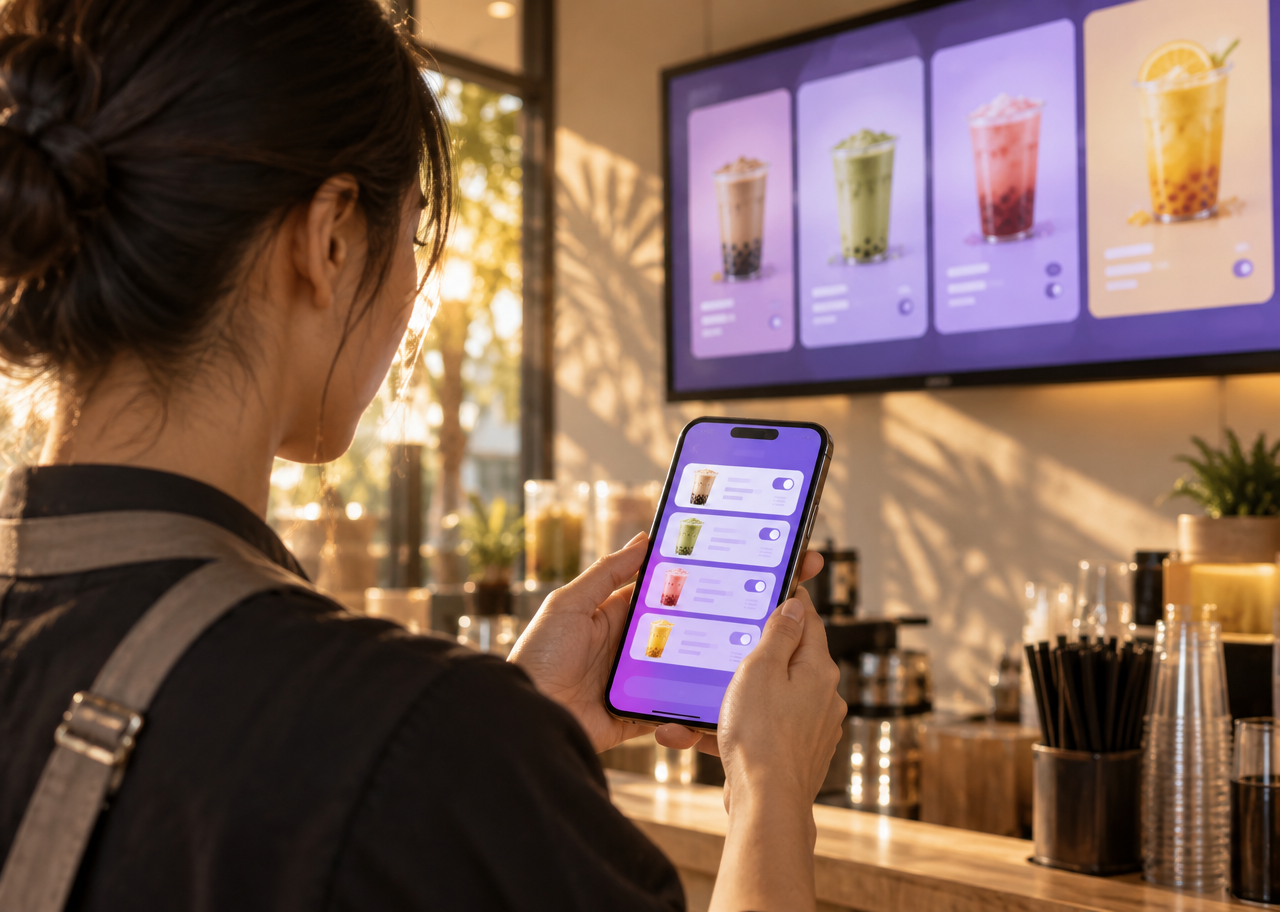
The owner edits the menu from a phone
Change the boba price once — every screen at the site follows within seconds
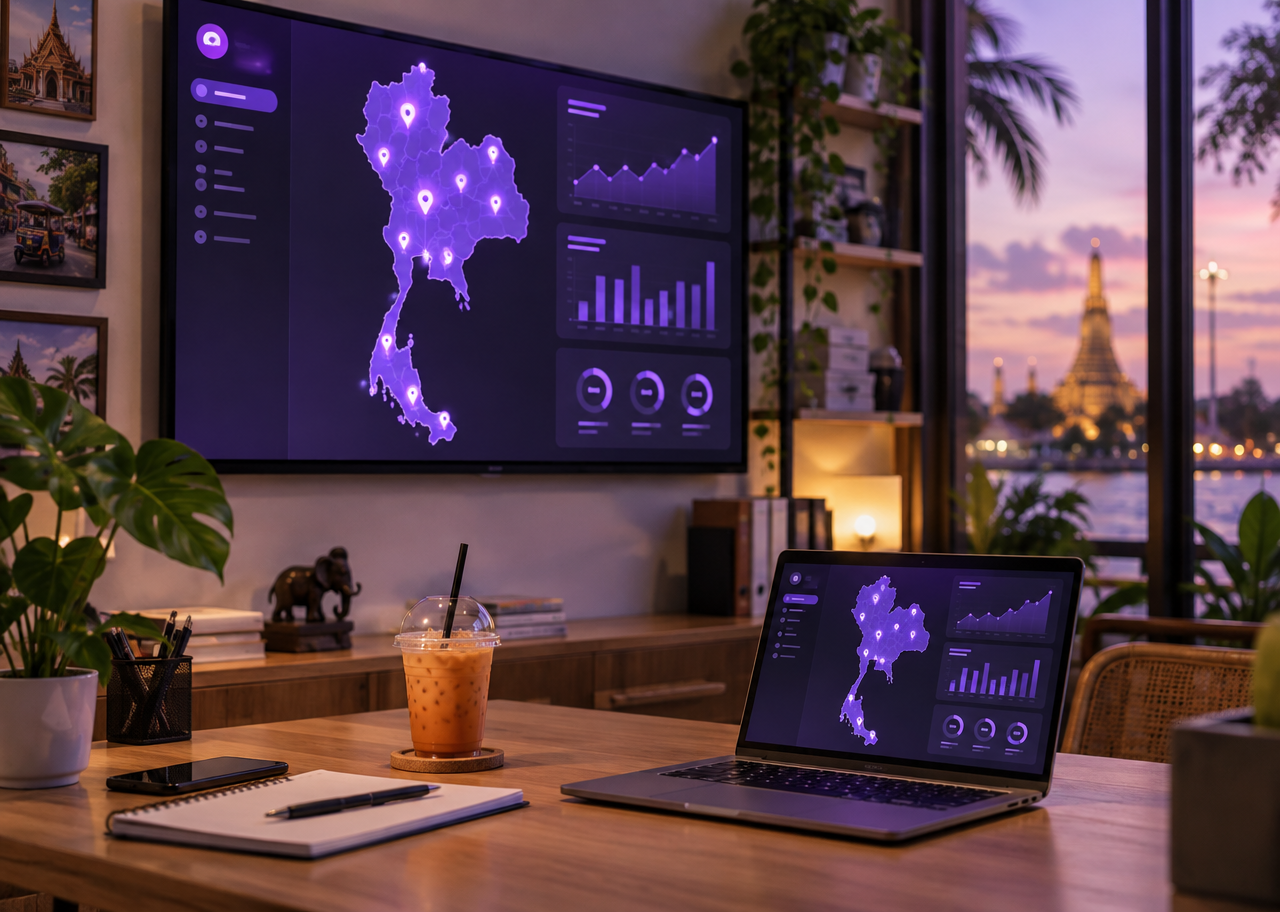
Every screen on one page
See which screens are online and which dropped, without calling anyone
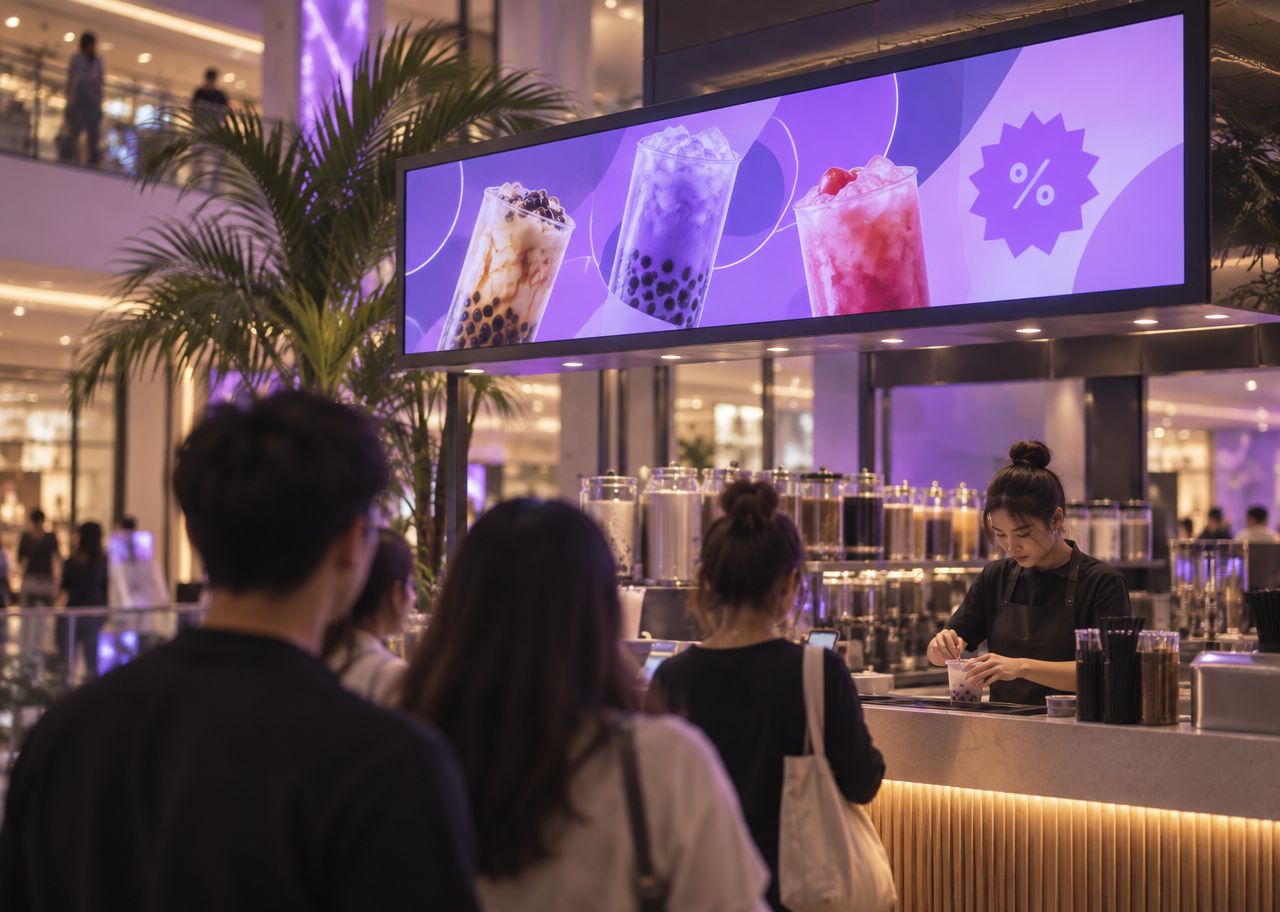
Evening promos switch on schedule
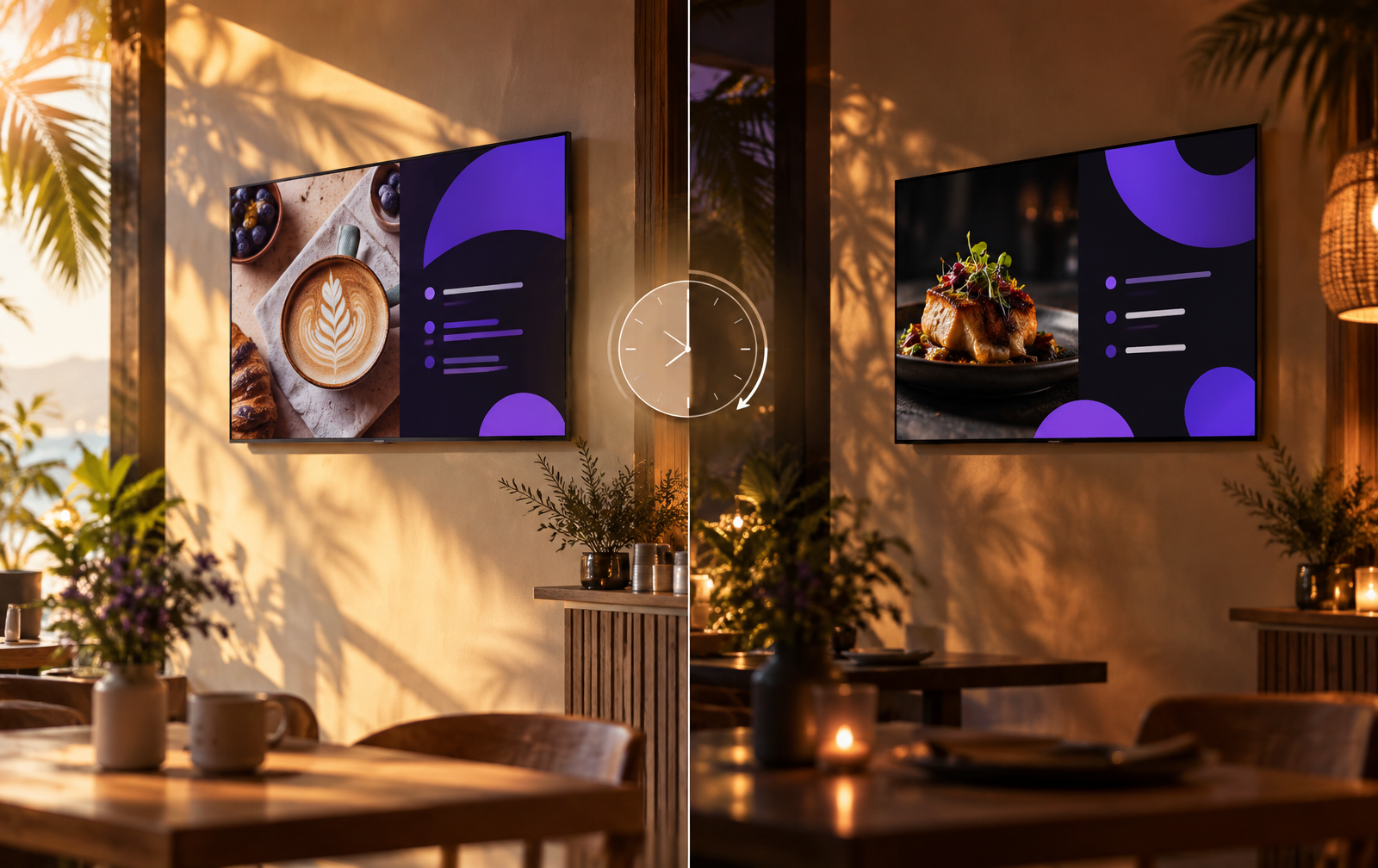
Set the timetable once — morning and evening menus swap automatically on every screen
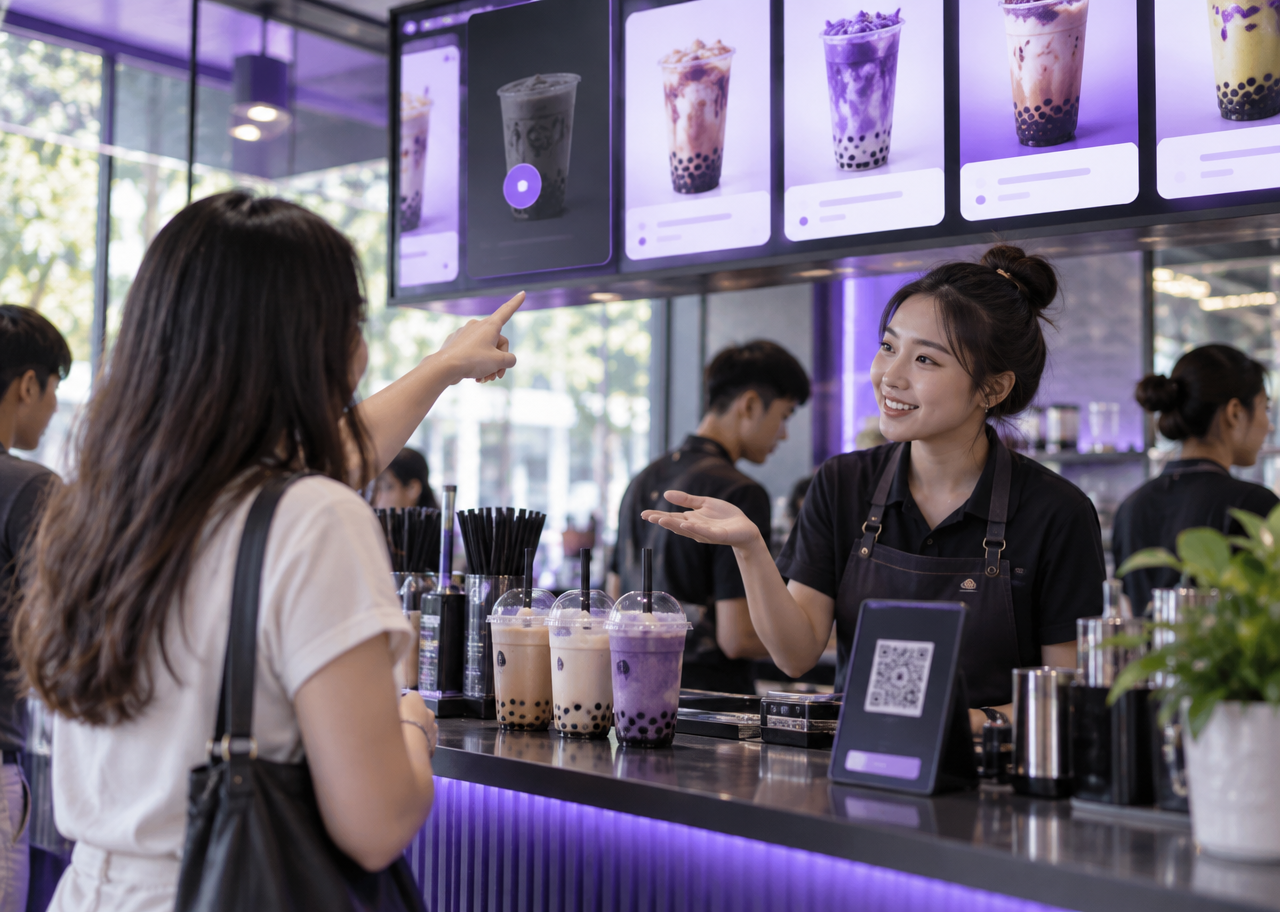
Sold out? Tick it off instantly
When a branch runs out of boba, hide that item for that branch only — no wrong orders
Everything a screen needs
Images
Video
YouTube
PDF / PowerPoint · Each page is a slide
Google Sheets · Updates every 2 minutes
Excel data boards
Weather
News
Countdown
QR code
Background music · Ducks during announcements
Voice announcements TH/EN/中文
AI image generation
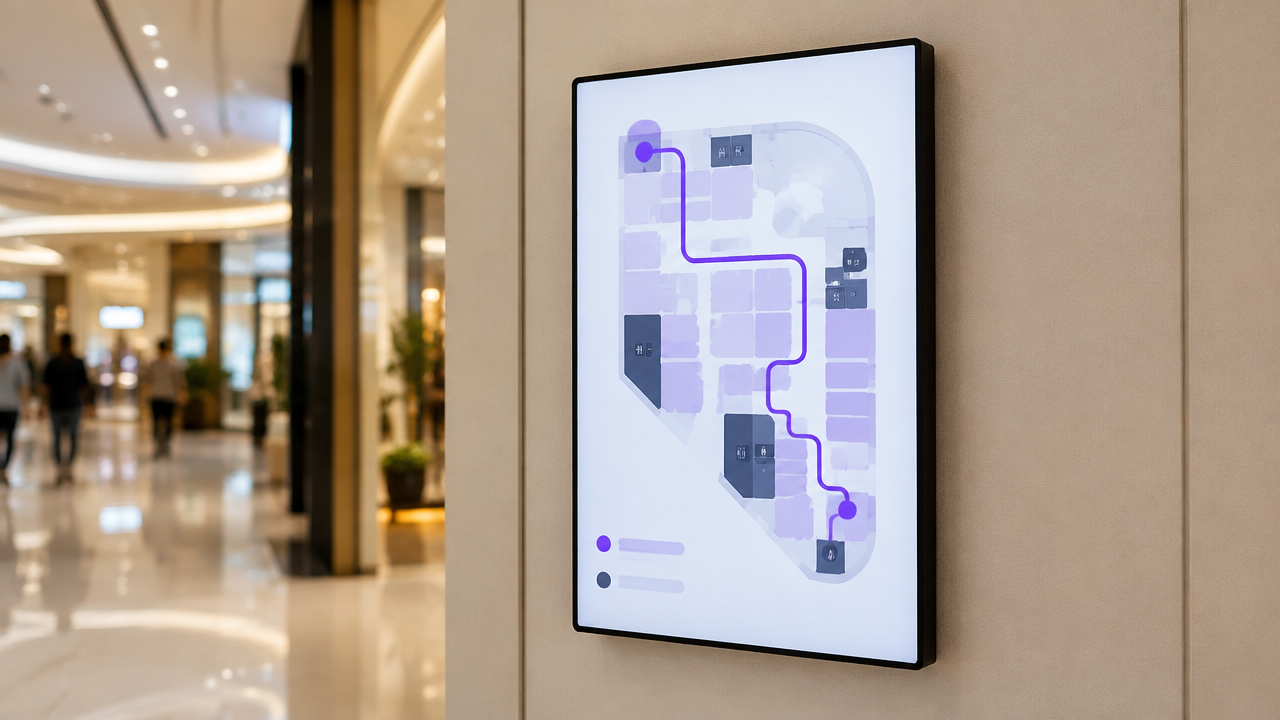
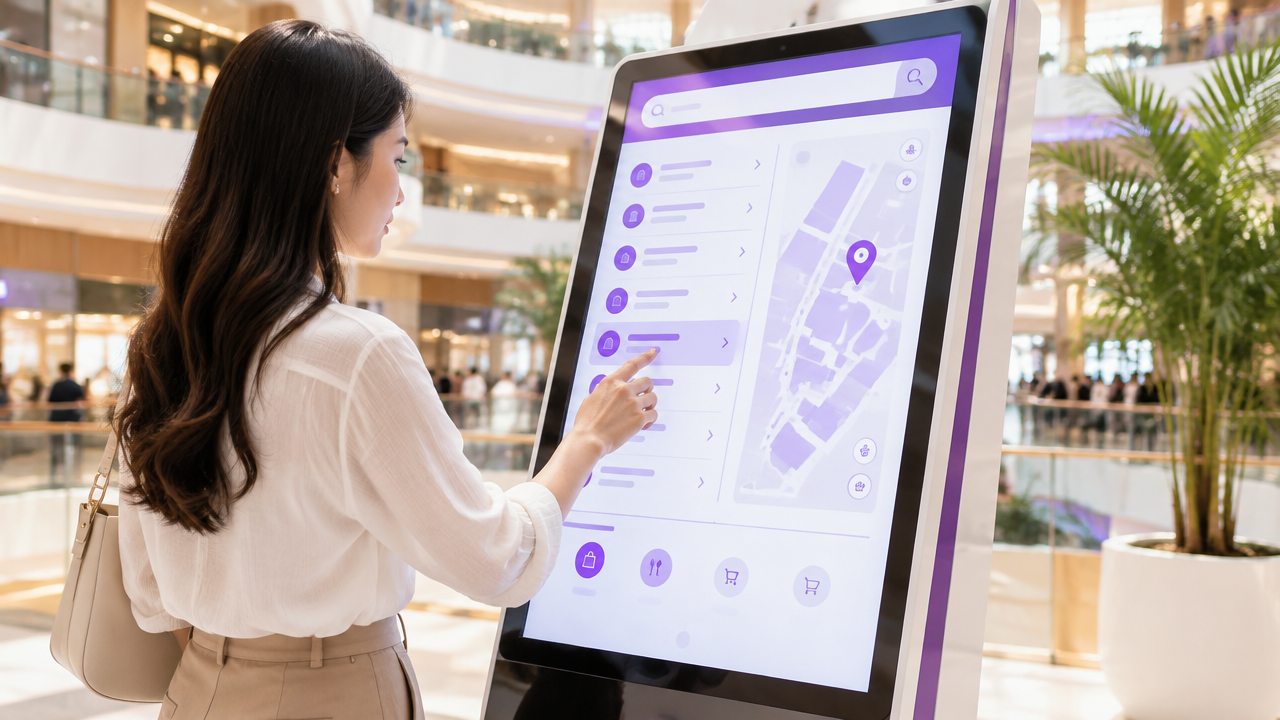
Touch wayfinding
One dashboard
Easy for frontline teams, clear for management, consistent across every screen.
01
See every screen in one place: live status, content and play counts.
02
Drop onto one screen, a group or all screens · Undo any change.
03
Breakfast and evening menus switch automatically, even offline.
04
Edit the sheet and screens update within 3 minutes · Paste from Excel.
05
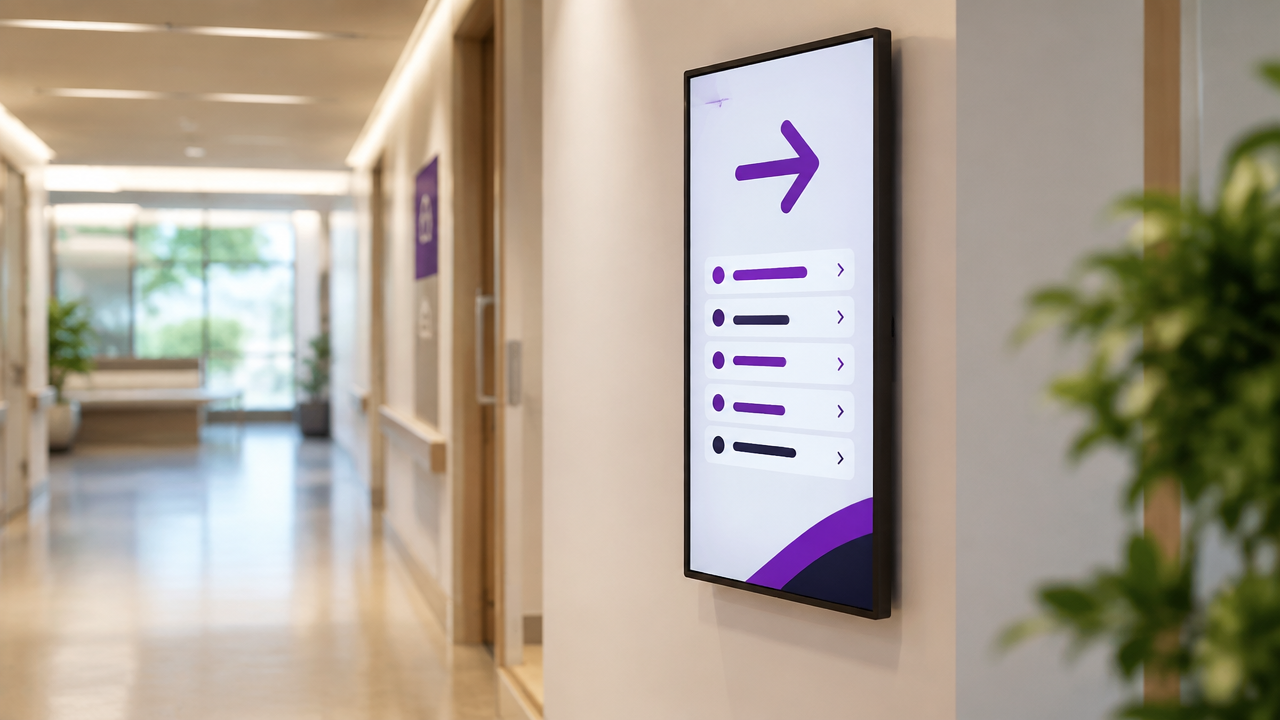
Build maps, routes, search kiosks and directional signs in one system.
Screen preview
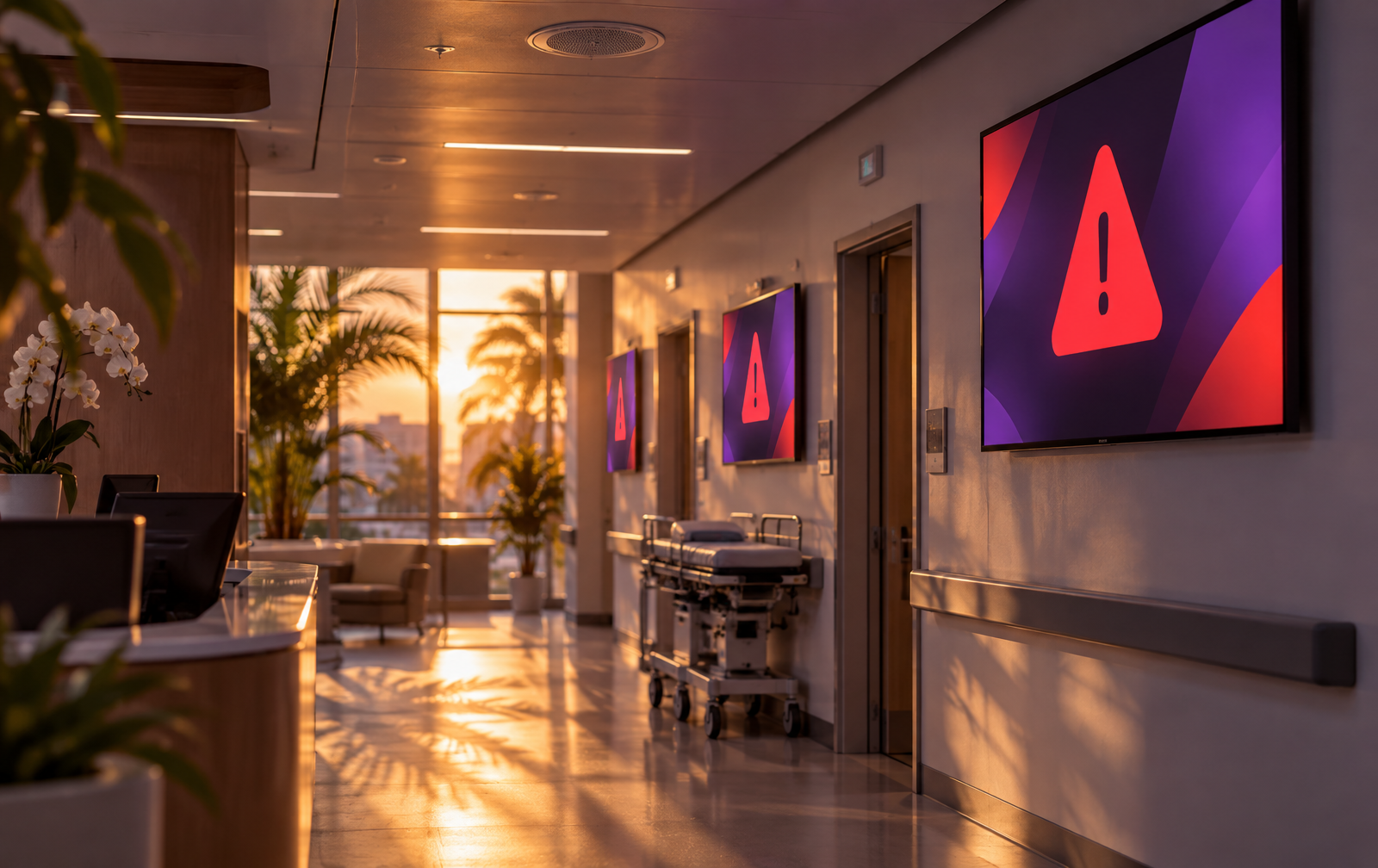
Use the stairs, not the lifts. Go to the assembly point in the front car park.
Choose an event and press play to hear the announcement
06
Pick a venue and an event, then press play — every screen switches to the message with a spoken announcement.
Choose a venue
Songkran, Loy Krathong, New Year and more
Ready for screens in a few clicks
One page becomes one slide
Ducks automatically for announcements
Cached on the device
Proof of play
Know when a screen disconnects
Switch language by context
With audit logs
2FA for administrators
Data isolated by location
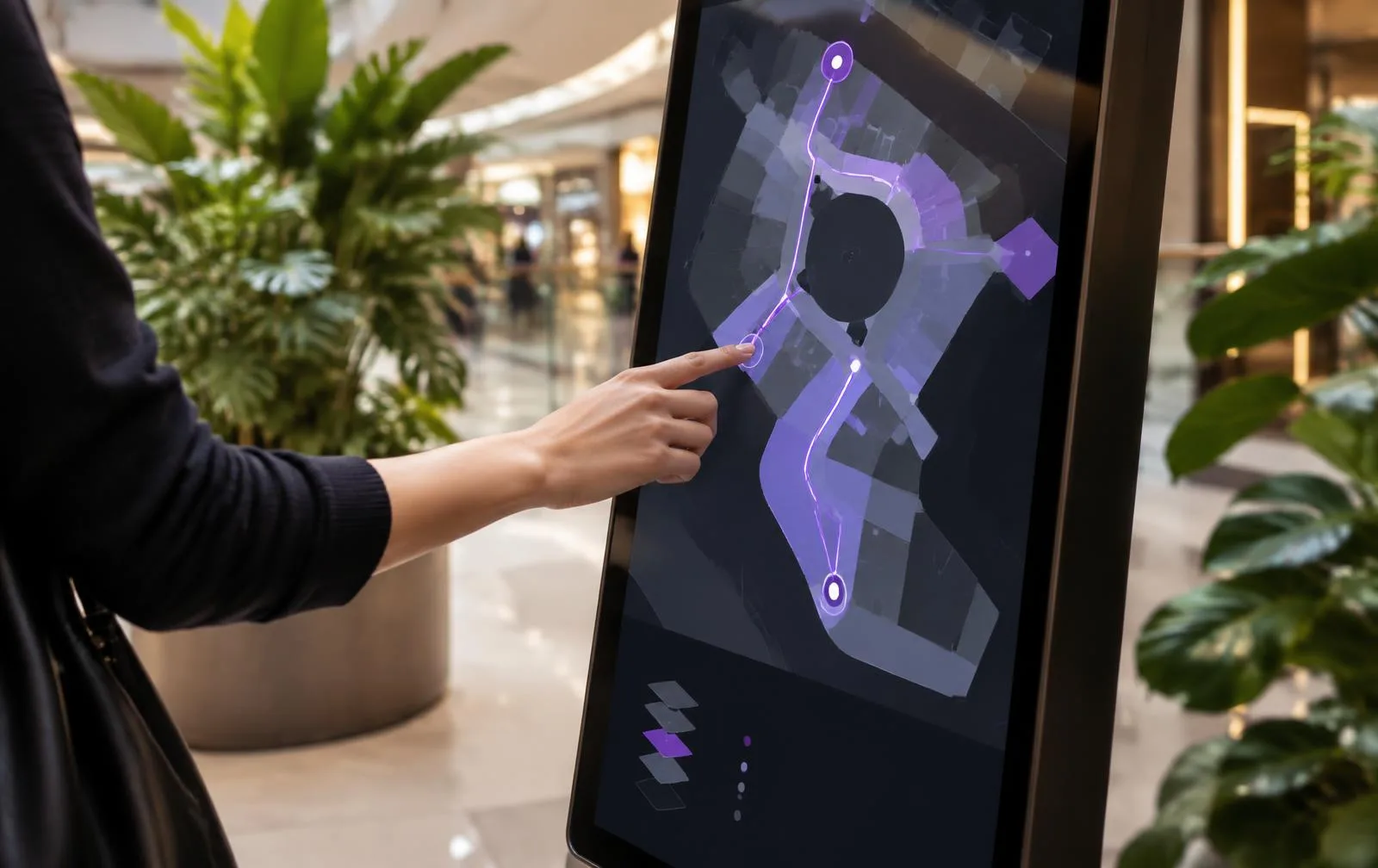 Wayfinding · Instant route drawing
Start with a ready design
Menu board
FoodPromotion
RetailGuest welcome
HotelWaiting room
ClinicNotice board
SchoolSongkran
FestivalLoy Krathong
FestivalWayfinding map
MallALOHA DIGITAL SIGNAGE
Every feature · Up to 3 screens · No card required
free screens
3
Plans & pricing
An ENTGROUP exclusive
One redemption per account · each serial used once · renew on a standard plan after 12 months
Aloha × ENTGROUP
Works with ENTGROUP displays and players, from storefronts to outdoor sites. Buy ENTGROUP hardware, get Aloha Pro free for 12 months — one screen licence per unit.
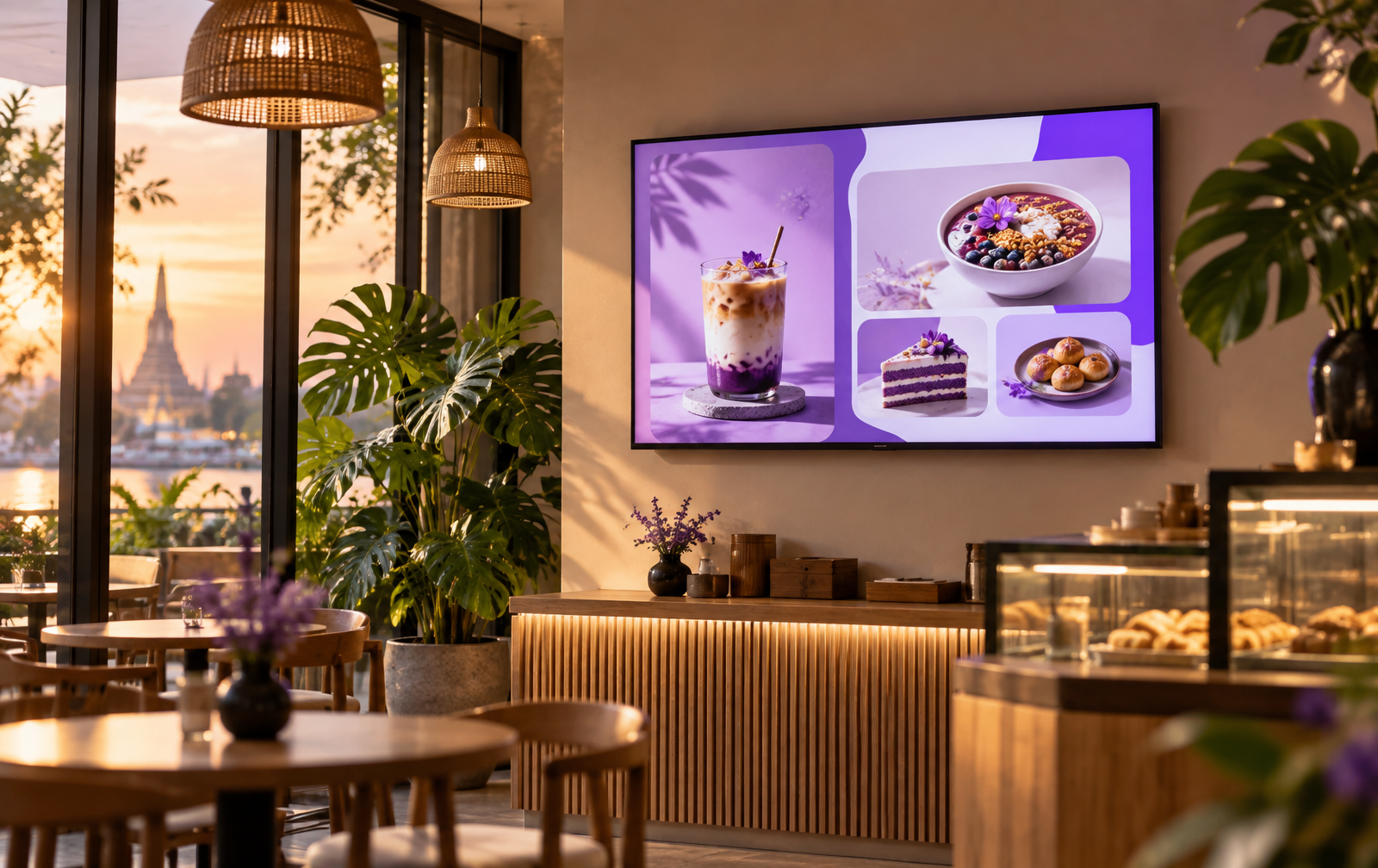
35–75-inch displays for menus, promotions and indoor notices
Best with Aloha for
Schedule menus and campaigns, then update multiple screens together
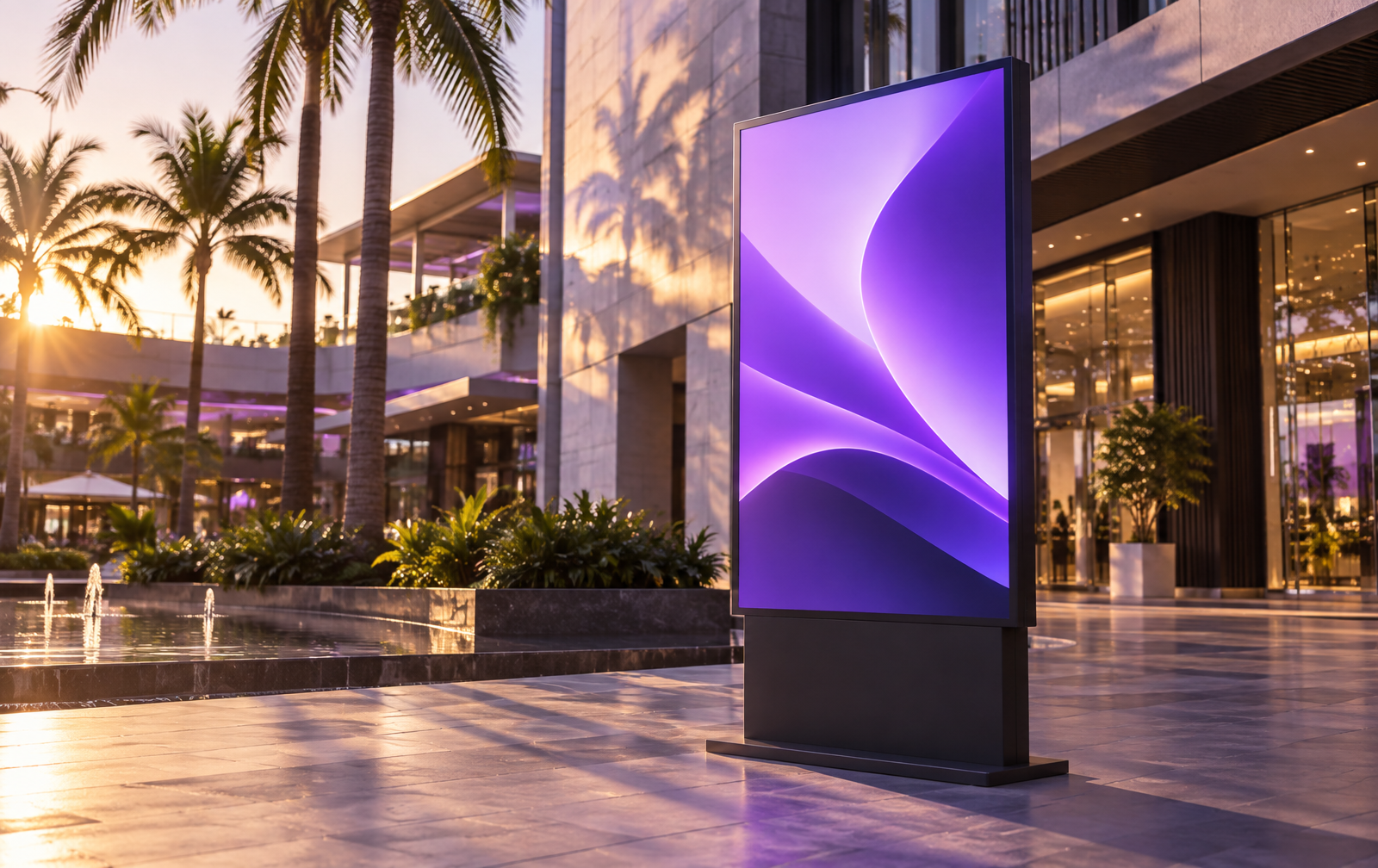
1,000–1,600-nit high-brightness displays for outdoor spaces
Best with Aloha for
Deliver scheduled promotions and information with offline playback
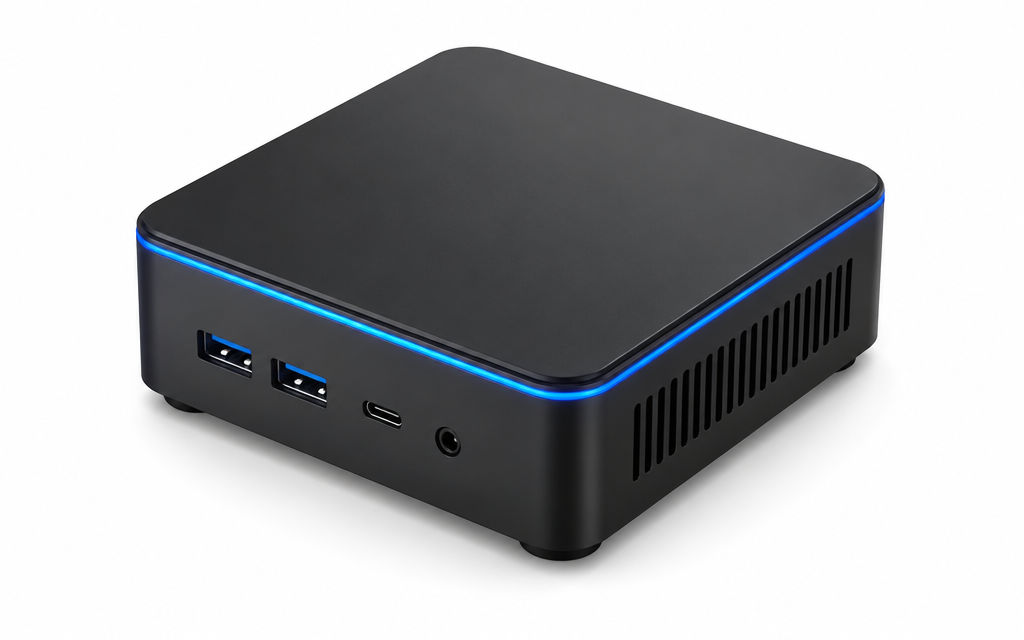
A compact player for an existing television or display
Best with Aloha for
Open Aloha in a browser, pair with six digits and start displaying
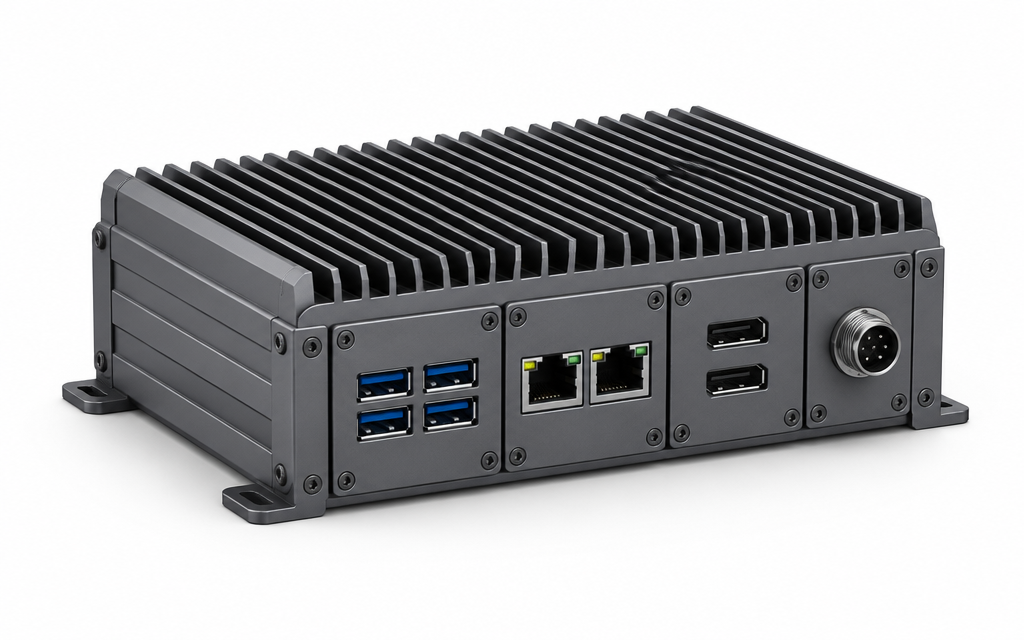
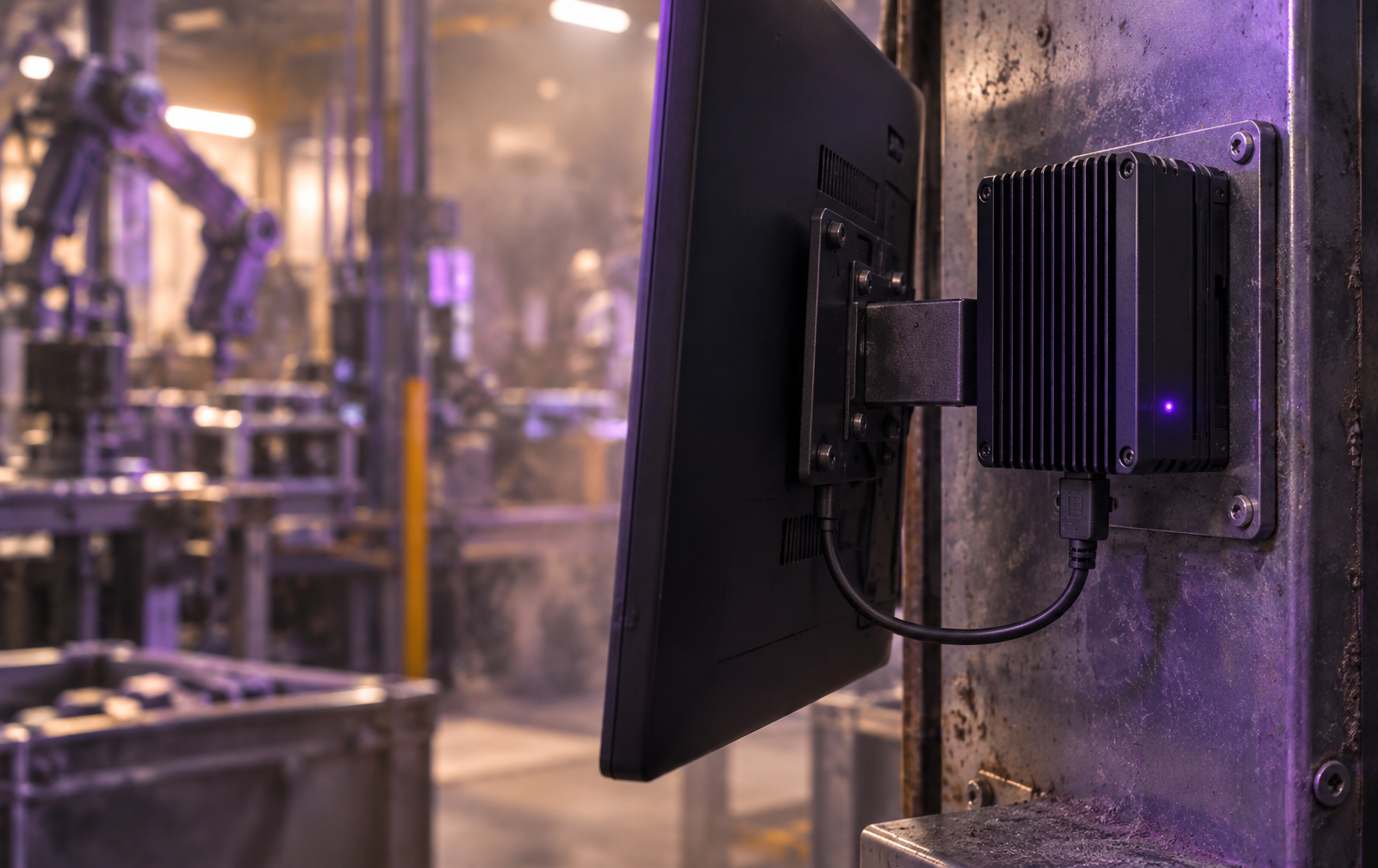
Fanless industrial computers designed for continuous operation
Best with Aloha for
Ideal for long-running displays and control-system environments
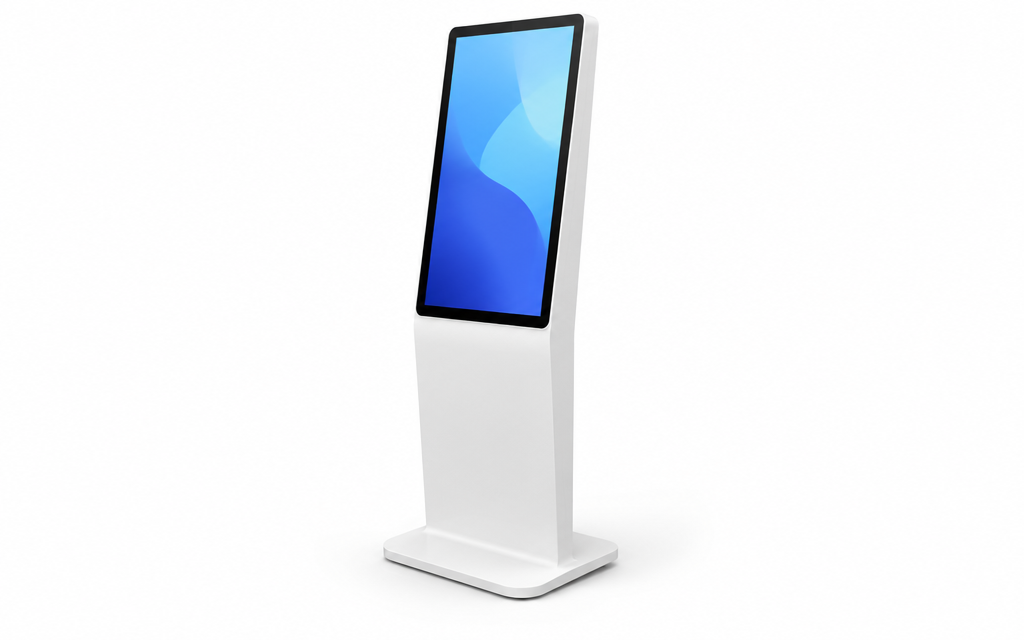
Floor-standing and wall-mounted touch kiosks in multiple sizes
Best with Aloha for
Run wayfinding, information lookup and interactive Aloha Premium content
| Device | Best for | Notes |
|---|---|---|
| Smart TV with a web browser | Venues that already own a TV | Opens the Aloha link directly |
| Android box / Android TV | TVs without a browser | Connect to the TV, then pair with a 6-digit code |
| Windows mini PC | Existing or multiple office screens | Compact player running Aloha in a browser |
| EPC Box Series | Factories and continuous operation | ENTGROUP fanless industrial computer |
| ENTGROUP kiosk | Malls, buildings, wayfinding | Touch screen; wayfinding on the Premium plan |
Good to know
Digital signage is a TV or touch screen showing menus, promotions, notices or maps, with content changed remotely through software instead of printed signs.
Aloha Digital Signage is ENTGROUP's cloud signage software, managed from a browser or phone.
Aloha Digital Signage by ENTGROUP is cloud digital signage software for managing content on TVs and touch screens from a browser or phone. It is provided by ENTGROUP (ENT GROUP Co., Ltd.).
ENTGROUP makes and sells displays, kiosks and industrial computers, so one team covers software and hardware.
Aloha software starts at THB 199 per screen per month (excl. VAT): Basic 199, Pro 299 and Premium 399.
Screens and players are priced separately; ask ENTGROUP for hardware prices.
Yes. The free trial lasts 14 days with every feature, up to 3 screens, and no credit card.
Yes. A Smart TV with a web browser opens Aloha directly; a TV without a browser just needs an Android box or Windows mini PC.
Then pair it with a 6-digit code, with no technician.
Open the Aloha link on the screen, read the 6-digit code, enter it in the app to pair, then send content or a template; no technician or USB needed.
Yes. Aloha screens keep playing downloaded content, even after a restart, provided it downloaded successfully before.
Yes. Aloha announces in Thai, English and Chinese, including emergency takeovers with a beep and spoken message on every screen.
Aloha — set up your first screen today, no card required.
ENTGROUP Ecosystem
Three products that work together for hotels, clinics, retail and organizations.