FAQ
Aloha Digital Signage FAQ
Short, direct answers on Aloha Digital Signage by ENTGROUP pricing, devices, setup, features, security and billing.
Basics
What is digital signage?
Digital signage is a TV or touch screen showing menus, promotions, notices or maps, with content changed remotely through software instead of printed signs.
Aloha Digital Signage is ENTGROUP's cloud signage software, managed from a browser or phone.
What is Aloha Digital Signage and who provides it?
Aloha Digital Signage by ENTGROUP is cloud digital signage software for managing content on TVs and touch screens from a browser or phone. It is provided by ENTGROUP (ENT GROUP Co., Ltd.).
ENTGROUP makes and sells displays, kiosks and industrial computers, so one team covers software and hardware.
How does Aloha digital signage work?
Open the Aloha link on the screen, which shows a 6-digit code; enter it in the app to pair, then send content or a template to the screen.
The screen downloads and plays content on your schedule, with no technician or USB.
Which businesses is Aloha digital signage for?
Aloha suits Restaurants/cafés, Retail, Hospitals/clinics, Offices, Hotels, Malls, Events, Factories, Schools/universities, Temples.
What is digital wayfinding?
Digital wayfinding is a touch screen or kiosk that shows maps and lets people search for a destination; in Aloha it requires the Premium plan.
It suits malls, buildings, hospitals and universities, and maps can be updated when tenants or rooms move.
Pricing & trial
How much does digital signage cost?
Aloha software starts at THB 199 per screen per month (excl. VAT): Basic 199, Pro 299 and Premium 399.
Screens and players are priced separately; ask ENTGROUP for hardware prices.
What is the difference between Basic, Pro and Premium?
Basic covers up to 3 screens; Pro adds unlimited screens, scheduling, groups, emergency takeover, proof-of-play and offline alerts; Premium adds wayfinding and touch screens.
Can I try Aloha for free?
Yes. The free trial lasts 14 days with every feature, up to 3 screens, and no credit card.
Do plan prices include VAT?
No. The THB 199, 299 and 399 per screen per month prices exclude VAT.
Do I get Aloha free when buying ENTGROUP hardware?
Yes. Buying ENTGROUP hardware under the conditions shown on the website includes Aloha software free for the first year.
Which plan do I need for touch-screen wayfinding?
Touch-screen wayfinding requires the Premium plan at THB 399 per screen per month, excluding VAT.
Screens & devices
Can I use an ordinary TV as digital signage?
Yes. A Smart TV with a web browser opens Aloha directly; a TV without a browser just needs an Android box or Windows mini PC.
Then pair it with a 6-digit code, with no technician.
Do I need to buy an Android box?
Not always. A Smart TV with a web browser works on its own; an Android box or Windows mini PC is only needed when the TV has no browser.
Which devices work with Aloha?
Aloha works with Android box / Android TV, Windows mini PC, Smart TV with a web browser, ENTGROUP kiosks.
Does it work with touch screens or kiosks?
Yes. Aloha runs on touch screens and ENTGROUP kiosks for wayfinding and information search, which requires the Premium plan.
Where can I buy screens and players?
Displays, kiosks and industrial computers are available from ENTGROUP, the provider of Aloha; ask Sales@entgroup.co.th or 02-045-6104 for prices.
Setup
What do I need to do to set up Aloha signage?
Open the Aloha link on the screen, read the 6-digit code, enter it in the app to pair, then send content or a template; no technician or USB needed.
Do I need a technician or USB drive?
No. Pair the screen with a 6-digit code in the app, then send content from a browser or phone.
How soon can I start?
You can start right after signing up for the 14-day free trial by pairing a screen with a 6-digit code and sending a template.
Features
Does digital signage keep playing when the internet drops?
Yes. Aloha screens keep playing downloaded content, even after a restart, provided it downloaded successfully before.
Can it make voice announcements in Thai?
Yes. Aloha announces in Thai, English and Chinese, including emergency takeovers with a beep and spoken message on every screen.
What content can be shown on screen?
Supported content includes Images, Video, YouTube, PDF (e.g. PowerPoint saved as PDF), Google Sheets, Data boards from Excel, Weather, News, Countdowns, QR codes, Background music, Voice announcements in Thai/English/Chinese, AI-generated images, Touch-screen wayfinding.
Can I use PowerPoint files?
Yes. Save the PowerPoint as a PDF and upload it to Aloha to show it on screen.
Can it connect to Google Sheets or Excel?
Yes. Aloha shows Google Sheets and Excel-based data boards on screen, ideal for menus, prices and changing figures.
Can content change by time of day?
Yes. Dayparting schedules and screen groups are available on the Pro and Premium plans.
Can I push an urgent message to every screen?
Yes. Emergency takeover replaces every screen with a beep and spoken message, ending after 15/30/60 minutes or at end of day, and can be stopped any time.
Are there ready-made templates?
Yes. Aloha includes more than 80 ready-made templates for menus, promotions, notices and data boards.
Security & PDPA
Is Aloha secure?
Aloha offers two-factor authentication, role-based permissions, activity logs and a separate database per location.
Does Aloha comply with PDPA?
Yes. Aloha complies with Thailand's PDPA and publishes its privacy policy at /privacy.
Can several people manage the screens?
Yes. Assign role-based permissions and review changes in the activity log.
Billing & tax
Can you issue a tax invoice?
Yes. ENTGROUP can issue tax invoices for Aloha subscriptions.
How is billing calculated?
Billing is per screen per month on the chosen plan, with prices excluding VAT.
After-sales support
How do I know if a screen goes offline?
Aloha alerts you when a screen goes offline and provides proof-of-play reports (Pro and Premium plans).
How do I contact sales or get help?
Contact ENTGROUP at Sales@entgroup.co.th, +66 2 045 6104 or LINE @entgroup.
Who supports both hardware and software?
ENTGROUP supports both Aloha software and the displays, kiosks and industrial computers it makes and sells.
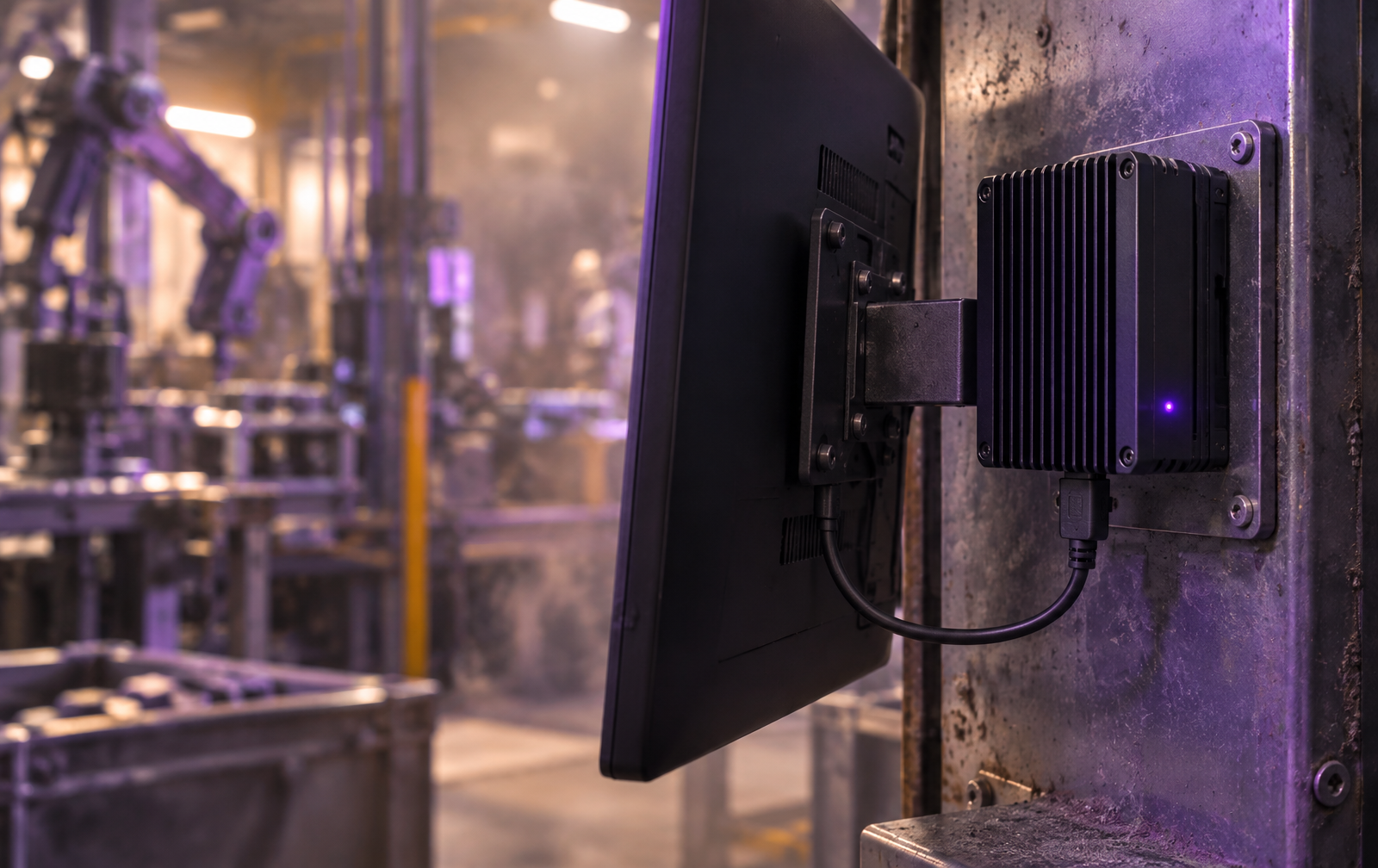
An ENTGROUP exclusive
Buy any Industrial Computer · Register for one year of Aloha free
For customers who purchase and register an ENTGROUP Industrial Computer